

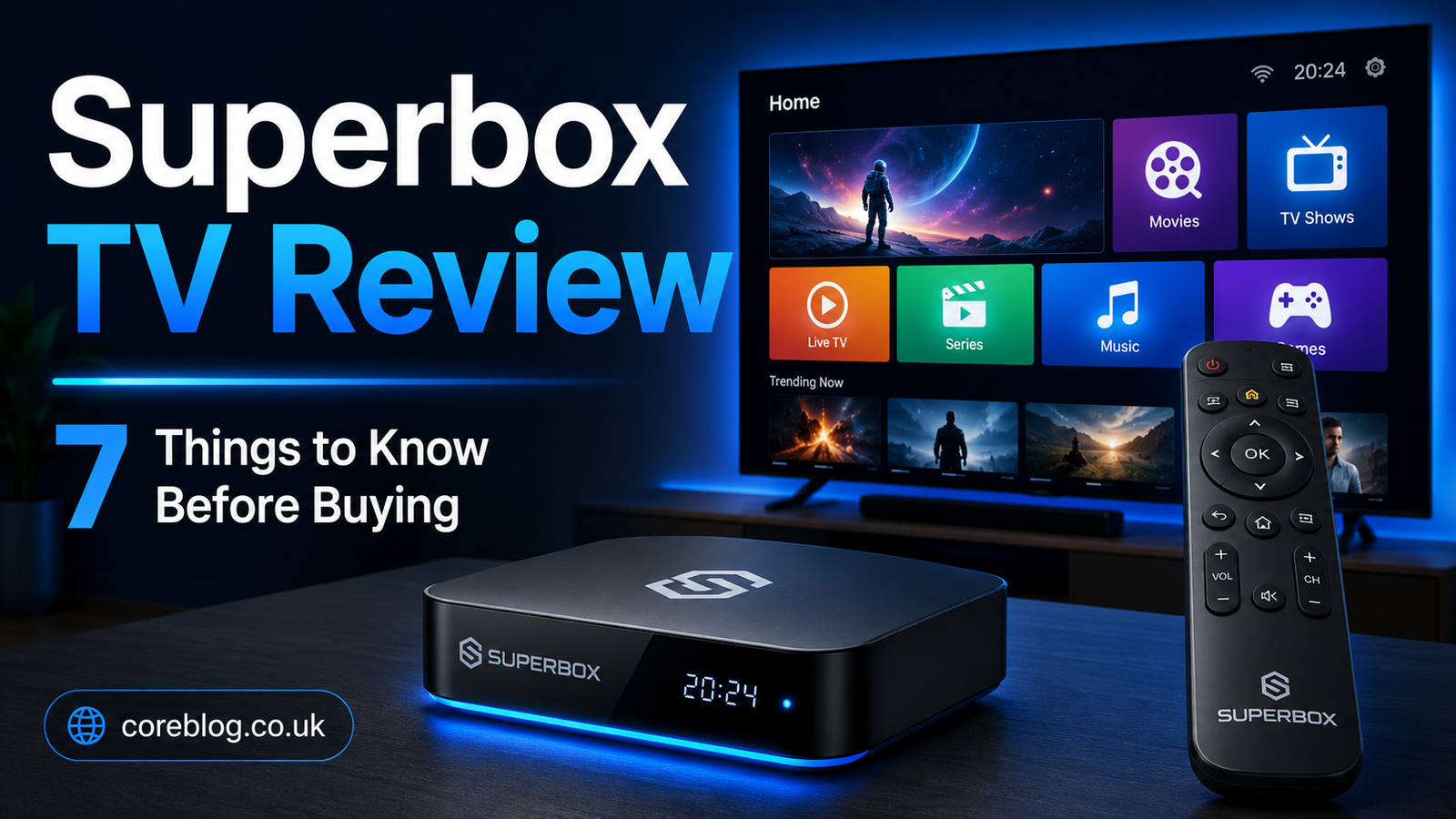
Superbox TV Review: 7 Things to Know Before Buying
Buying a streaming box sounds simple. You plug it into the television, connect it to the internet, and start watching. In reality, choosing the right device takes more thought than most advertisements suggest.
Superbox has gained attention among cord-cutters who want a flexible way to turn an ordinary television into a smarter entertainment system. It promises a clean interface, Android-based features, voice controls, network connectivity, and access to compatible streaming applications. However, buyers should look beyond bold resolution claims and polished product photos.
This Superbox TV Review takes a practical approach. Instead of repeating marketing language, we will examine how the device works, what affects its performance, which features matter, and what you should check before spending your money.
There are also important questions about application safety, seller reliability, content licensing, software updates, and long-term support. These issues can make the difference between a useful home entertainment device and an expensive box that gathers dust beside your television.
Here are seven things every buyer should know.
What Is Superbox TV?
Superbox TV is an Android-based streaming media player that connects to a television, usually through an HDMI cable. It uses an internet connection to run compatible applications, play digital media, and provide a smart television experience.
In basic terms, it works like a small computer made for your TV screen.
The device normally comes with a remote control, power adapter, HDMI cable, internal storage, wireless connectivity, and an Android-style operating system. Depending on the model, users may also receive voice search, Bluetooth support, USB ports, Ethernet connectivity, dual-band Wi-Fi, and expandable storage options.
A Superbox TV box may appeal to people who have an older television without modern smart features. It can also serve users who dislike the slow software found on some budget smart TVs.
However, the hardware itself does not automatically guarantee access to every movie, sporting event, premium network, or television channel. Access depends on the applications you install, the services you subscribe to, and the licensing rules in your country.
That distinction is one of the most important points in this Superbox TV Review.
Superbox TV Review: Quick Feature Overview
The exact specifications can change between models and sellers. Therefore, buyers should always check the product page, packaging, warranty information, and model number before ordering.
Here is a general overview of the features commonly associated with recent Superbox devices:
| Feature | What It Means for the User |
|---|---|
| Android-based system | Supports compatible Android streaming and media apps |
| HDMI connection | Connects directly to most modern televisions |
| Wi-Fi connectivity | Allows wireless internet streaming |
| Ethernet port | Offers a more stable wired network connection |
| Internal storage | Provides space for apps, settings, and downloaded files |
| Voice remote | Makes searching and navigation easier |
| Bluetooth | Supports selected headphones, speakers, and accessories |
| USB ports | Allows connection to drives and compatible accessories |
| High-resolution output | May support sharp video on compatible TVs |
| Media player tools | Can play selected local video, music, and photo files |
These features sound impressive. Still, specifications only tell part of the story. Real performance depends on software quality, network speed, app compatibility, video sources, and customer support.
1. Superbox Is Primarily a Streaming Device
The first thing to understand is that Superbox is hardware. It is not a magic replacement for every cable television package or paid streaming subscription.
You can use the device to run supported entertainment apps, video platforms, media players, music services, web tools, and other Android applications. However, each service controls its own content library, subscription fees, playback limits, and regional availability.
The Hardware and Content Are Separate
Think of the device as a doorway. The doorway may lead to many rooms, but you still need permission to enter each one.
For example, owning a smartphone does not give you free access to every paid mobile application. In the same way, owning a streaming box does not automatically include the legal rights to premium films, sports, television networks, or subscription services.
A responsible Superbox TV Review should make this clear because some online advertisements create unrealistic expectations.
Use Authorized Streaming Services
Users should install trusted applications and access content from properly licensed providers. Avoid unknown apps that promise unlimited premium programming without clear information about ownership or distribution rights.
Unauthorized streaming may expose users to:
- Copyright concerns
- Unstable video feeds
- Sudden service shutdowns
- Malware or unwanted software
- Data privacy risks
- Poor technical support
- Misleading subscription offers
The safest approach is simple: use official apps, legitimate subscriptions, and authorized content providers.
2. Model Specifications Can Vary Widely
Superbox has appeared in several versions, including standard, Pro, Max, Ultra, and other model names. Newer versions may advertise faster wireless connections, larger storage capacity, updated Android software, improved remotes, or higher video output.
However, a higher model number does not automatically mean it is the best choice for your home.
RAM and Storage Matter
RAM affects how smoothly the device moves between menus and applications. More RAM can improve multitasking, although software optimization remains equally important.
Internal storage gives you room for applications, cached files, system updates, and local media. Buyers who plan to install several apps should choose a model with enough free space after the operating system is installed.
Do not assume that the full advertised storage amount will be available. The system software and preinstalled tools normally use part of it.
Wi-Fi and Ethernet Options
A strong network connection is essential for smooth streaming. Some Superbox models advertise dual-band Wi-Fi, Wi-Fi 6, and wired Ethernet connectivity.
Wi-Fi is convenient, but Ethernet is often more stable. A wired connection can help reduce buffering in homes with crowded wireless networks, thick walls, or a router located far from the television.
Resolution Claims Need Context
Some product listings advertise very high video output, including 4K or higher resolution support. This does not mean every movie, television show, or application will play at that quality.
Actual picture quality depends on several factors:
- The television’s native resolution
- The quality of the video source
- The streaming service’s playback limits
- Application compatibility
- HDMI cable quality
- Internet bandwidth
- Display settings
- Digital rights certification
For that reason, this Superbox TV Review recommends checking real application support instead of judging the device only by the largest resolution number printed on the box.
3. Your Internet Connection Controls the Experience
Even powerful streaming hardware cannot fix a weak internet connection.
If your video pauses every few minutes, the device may not be the problem. Slow broadband, Wi-Fi interference, network congestion, router placement, or an unreliable streaming provider can all cause buffering.
Recommended Network Conditions
Standard-definition video requires less bandwidth than HD or 4K content. A household with several connected devices will also need more total speed than a person streaming on one television.
A stable connection matters more than a brief speed-test result. Your internet may appear fast at midday but slow down during the evening when many people in the area are online.
How to Improve Streaming Stability
Try these steps before blaming the box:
- Move the router closer to the television.
- Use an Ethernet cable when possible.
- Restart the router and streaming device.
- Close unused apps running in the background.
- Remove apps you no longer use.
- Check whether other devices are downloading large files.
- Test a different authorized streaming service.
- Install trusted software updates.
- Use the correct HDMI input and display settings.
These simple adjustments can make a noticeable difference.
During any Superbox TV Review test, network conditions should be considered. Testing a device on poor Wi-Fi and calling it slow would not be fair. At the same time, buyers should not expect the box to perform miracles on an unreliable connection.
4. App Compatibility Deserves Careful Attention
One of the biggest mistakes buyers make is assuming every Android app will work perfectly on every Android TV box.
Mobile Android applications are often designed for touchscreens. A television box uses a remote control. As a result, some apps may be difficult to navigate, display incorrectly, or require a mouse-style accessory.
Check Your Essential Apps Before Buying
Make a list of the services you use most often. This might include:
- Movie streaming platforms
- Live television subscriptions
- Sports services
- Music apps
- Video-sharing platforms
- Children’s entertainment
- News applications
- Local media players
- Photo-viewing tools
- Educational apps
Then confirm that those services support the device and operating system.
Do not rely only on screenshots from a reseller. Application availability can change, and certain streaming platforms restrict high-resolution playback to approved or certified devices.
Software Updates Matter Too
A streaming box is not a one-time purchase in the same way as a basic HDMI cable. It depends on software.
Applications receive updates. Security standards change. Streaming companies introduce new requirements. Older operating systems can eventually lose support.
Before buying, investigate whether the seller or manufacturer provides:
- Firmware updates
- Security patches
- Setup instructions
- Troubleshooting guides
- Remote control support
- Replacement accessories
- Customer service
- Warranty assistance
A cheaper box may cost more in the long run if support disappears.
5. Setup Is Easy, but It Is Not Always Instant
Most users should be able to complete the basic Superbox setup without professional help. However, the process still requires several steps.
Basic Superbox TV Setup
A typical installation looks like this:
- Connect the Superbox to your television with an HDMI cable.
- Attach the power adapter.
- Select the correct HDMI input on the TV.
- Pair or activate the remote control.
- Choose your language and display settings.
- Connect to Wi-Fi or Ethernet.
- Check for system updates.
- Sign in only to trusted services.
- Install authorized applications.
- Adjust picture, sound, and subtitle settings.
The process is similar to setting up another smart television device.
Expect a Small Learning Curve
The interface may feel unfamiliar at first, especially for someone moving from traditional cable television. Menus, app stores, home-screen shortcuts, input settings, and voice commands can take time to learn.
Older family members may need help during the first setup. Once their favorite apps are placed on the home screen, daily use should become easier.
A helpful approach is to remove clutter. Keep only the apps that people actually use. Place the most important services in the first row and explain the Home, Back, Volume, and Voice buttons.
This makes the overall experience less confusing.
6. The Seller May Matter as Much as the Device
A major theme in this Superbox TV Review is seller selection.
Many websites use words such as “official,” “authorized,” or “genuine.” Yet their policies, customer service standards, shipping locations, and return conditions may differ.
Before ordering, look for clear business information.
What to Check Before Paying
Review the following details:
- Exact model number
- RAM and storage capacity
- Operating system version
- Items included in the package
- Shipping fees
- Estimated delivery window
- Return period
- Restocking charges
- Warranty duration
- Warranty exclusions
- Repair process
- Customer support method
- Seller verification options
- Payment protection
Take screenshots of the product listing and policy pages before completing the purchase. This gives you a record of what the seller promised.
Read the Return Policy Carefully
A seller may advertise a money-back guarantee but limit returns once the package has been opened. Others may accept only defective units. Some may require the buyer to pay return shipping or obtain approval before sending the product back.
A one-year hardware warranty can also have restrictions. It may not cover accidental damage, software issues, misuse, unsupported applications, missing accessories, or unauthorized modifications.
Therefore, never assume all Superbox sellers offer the same protection.
Watch for Counterfeit or Altered Devices
Avoid suspiciously low prices from unknown marketplaces. A heavily discounted unit could be used, counterfeit, outdated, modified, or unsupported.
Check the packaging, serial number, device information screen, included accessories, and seller credentials as soon as the product arrives.
7. Value Depends on the Kind of Viewer You Are
Is Superbox worth buying? The honest answer depends on your expectations.
Someone with an older television may appreciate the Android interface, media playback tools, voice remote, internal storage, and flexible connectivity. A user who enjoys adjusting settings and trying different legitimate apps may also find the device useful.
However, someone who only watches two major streaming services may be happier with a cheaper, officially certified streaming stick.
Superbox May Suit You If:
- You want to add smart features to an older TV.
- You prefer an Android-style interface.
- You need both Wi-Fi and Ethernet options.
- You want USB ports for local media.
- You value internal storage for applications.
- You are comfortable changing device settings.
- You plan to use trusted and authorized apps.
- You prefer a box-shaped device over a small stick.
It May Not Suit You If:
- You expect every premium channel to be free.
- You want guaranteed support for every streaming app.
- You dislike technical setup.
- You need a widely recognized retail support network.
- You want automatic updates for many years.
- You are uncomfortable checking app permissions.
- You only need one or two basic streaming services.
- You are buying from an unclear or unverified seller.
This balanced view is important. No device is right for everyone.
Superbox TV Review: Pros and Cons
Potential Advantages
Flexible Android environment: Users can access a broad range of compatible entertainment, utility, and media applications.
Multiple connection options: Wi-Fi, Ethernet, Bluetooth, HDMI, and USB support can make the box more flexible than a simple streaming stick.
Useful for older televisions: It can add modern menus and online streaming features without replacing the TV.
Local media support: Compatible files may be played from USB storage or other connected devices.
Voice control: A voice-enabled remote can make searching faster.
Larger storage options: Some models offer more app storage than basic entry-level streaming products.
Potential Disadvantages
Seller confusion: Several websites may present themselves as official or authorized retailers.
Variable app support: Some popular applications may have playback, navigation, or certification limits.
Unclear long-term updates: Software support may not match larger streaming platforms.
Higher upfront cost: Premium models can cost more than common streaming sticks.
Legal concerns around third-party content: Unknown apps may provide material without proper licensing.
Security risk from sideloading: Installing software from untrusted sources can expose personal data or the home network.
Policies vary: Return periods, warranty terms, and repair support are not always consistent.
How to Use Superbox More Safely
Security should be part of every Superbox TV Review because a streaming box connects directly to your home network.
Install Apps From Trusted Sources
Avoid downloading random installation files from social media posts, message groups, pop-up advertisements, or unknown websites.
Before granting permissions, ask why the app needs them. A basic video player should not require access to unnecessary personal information.
Keep Personal Accounts Protected
Use unique passwords for streaming accounts. Turn on two-factor authentication where available. Do not reuse the same password for email, banking, shopping, and entertainment services.
Consider a Separate Network
Some modern routers allow users to create a guest network. Placing less-trusted smart home devices on a separate network can reduce their access to personal computers, phones, printers, and storage systems.
Update the Device
Install legitimate firmware and security updates provided through trusted channels. Do not flash unofficial software unless you fully understand the risks.
Avoid Saving Sensitive Information
A television box does not need access to every part of your digital life. Avoid using it for sensitive email, financial activity, private documents, or important password storage.
Superbox TV Compared With Common Streaming Sticks
| Area | Superbox TV | Basic Streaming Stick |
|---|---|---|
| Physical size | Larger box design | Small and easy to hide |
| Internal storage | Often more generous | Usually limited |
| USB connectivity | Common on many models | Often absent or restricted |
| Ethernet | May be built in | May require an adapter |
| App simplicity | Can require more setup | Usually highly streamlined |
| Brand support | Depends heavily on seller | Often backed by a major platform |
| Software flexibility | Generally broad | More controlled ecosystem |
| Price | Often higher | Usually more affordable |
| Best for | Flexible media and Android users | Simple mainstream streaming |
Neither option wins every category.
A streaming stick is often the easier choice for beginners. Superbox may offer more flexibility, ports, storage, and customization. The right choice depends on whether you value simplicity or control.
Questions to Ask Before Buying
Use this quick checklist before placing an order:
- Which exact Superbox model am I buying?
- How much RAM and usable storage does it include?
- Which Android version is installed?
- Does it support my essential streaming apps?
- Is high-resolution playback supported inside those apps?
- Does the device receive firmware updates?
- Is the seller verified?
- What happens if the unit arrives damaged?
- Can I return an opened product?
- Who pays for return shipping?
- How long does the hardware warranty last?
- Are replacement remotes available?
- Does the device include Ethernet?
- Does my home internet support reliable streaming?
- Am I planning to use only authorized content services?
If a seller cannot answer basic questions, consider buying elsewhere.
Frequently Asked Questions
Is Superbox TV Legal?
Owning an Android streaming device is generally different from illegally accessing copyrighted material. The important issue is how the device is used.
Watching content through properly licensed applications and authorized subscriptions is the responsible approach. Using unknown services that distribute paid movies, sports, or television channels without permission may violate copyright laws.
Rules can differ by location, so users should follow local laws and the terms of each streaming service.
Does Superbox Require a Monthly Fee?
The hardware is normally purchased with a one-time payment. However, legitimate streaming applications may require separate subscriptions.
Do not assume that buying the box includes permanent legal access to every channel or premium service.
Can Superbox Replace Cable TV?
It can replace some cable functions for users who subscribe to legal live-TV services, on-demand platforms, or other authorized streaming providers.
Whether it fully replaces cable depends on the channels, sports, local programming, news, and regional services you need.
Does Superbox Work on Any Television?
It should work with many televisions that have a compatible HDMI port. Older TVs without HDMI may require additional equipment, and results may vary.
Your television’s resolution and HDMI capabilities will also affect picture quality.
Why Does My Superbox Keep Buffering?
Common causes include weak Wi-Fi, slow internet, network congestion, poor router placement, background downloads, an overloaded application, or an unstable content provider.
Try Ethernet, restart the equipment, clear unused apps, and test a reliable authorized streaming service.
Can I Use Superbox Without the Internet?
Internet access is required for online streaming. However, some compatible local media files may play from connected USB storage without an active internet connection.
Is Superbox Easy for Beginners?
The basic connection process is straightforward, but the Android interface may require a little learning. Beginners who want the simplest possible experience may prefer a more controlled streaming platform.
Final Verdict: Is Superbox TV Worth Buying?
After examining the hardware, software, setup, connectivity, application support, seller policies, and safety concerns, this Superbox TV Review reaches a balanced conclusion.
Superbox can be a useful entertainment device for the right person. It offers an Android-based environment, network flexibility, media playback features, internal storage, USB connectivity, and the ability to bring smart functions to an older television.
However, buyers should not purchase it based only on promises of endless entertainment. The quality of your experience depends on the exact model, your internet connection, app compatibility, seller support, software updates, and the services you choose to use.
The most important step is research.
Confirm the specifications. Read the return policy. Check the warranty. Verify the seller. Make sure your favorite applications are supported. Most importantly, use licensed streaming platforms and avoid unknown services that make unrealistic promises.
A thoughtful buyer may enjoy the flexibility Superbox provides. An impulsive buyer may end up disappointed by app restrictions, unclear policies, or exaggerated advertising.
Use the seven points in this Superbox TV Review as your buying checklist. They will help you separate useful features from marketing noise and choose a device that genuinely fits your home.
Have you used a Superbox device, or are you considering one? Share your experience, questions, and buying concerns in the comments. Your feedback may help another reader make a smarter decision.















Leave a Reply