

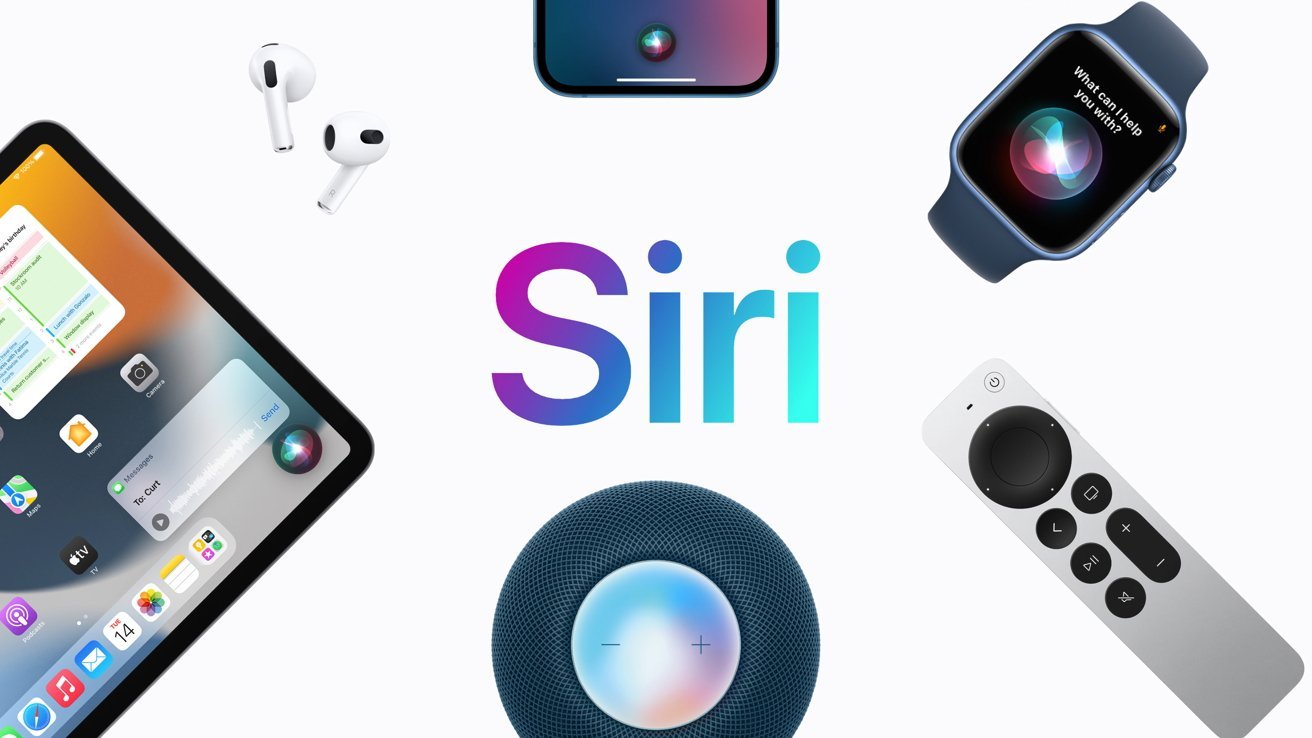
Most people use their iPhones every day without fully realizing how powerful Apple’s voice assistant actually is. A simple phrase like “Hey Siri” can unlock a whole world of hands-free control, smart automation, and time-saving shortcuts. But here’s the truth—most users barely scratch the surface of what it can do. That’s where this Hey Siri Guide becomes useful. Instead of just asking Siri for weather updates or setting alarms, you can turn it into a personal assistant that manages your day, controls your smart home, sends messages, and even helps with productivity tasks. In this Hey Siri Guide, we’ll explore how it works, how to set it up properly, hidden features most users don’t know, and practical voice commands that can genuinely make your life easier.
Understanding Hey Siri Guide Basics
The Hey Siri Guide starts with the basics. Siri is Apple’s built-in voice assistant designed to respond to spoken commands. Once activated, you can control your device without touching the screen. The phrase “Hey Siri” acts as a wake command. When your device hears it, Siri becomes active and ready to listen. Core ideas in the Hey Siri Guide include voice recognition system, on-device machine learning, Apple ecosystem integration, hands-free interaction, and smart automation support. This combination is what makes Siri more than just a simple assistant.
How to Set Up Hey Siri Properly
A good Hey Siri Guide always begins with correct setup. If Siri is not trained properly, it may not respond accurately. To activate it, open Settings, tap Siri & Search, enable “Listen for Hey Siri,” and complete the voice training steps. During setup, your device learns your voice pattern. This improves accuracy over time. The Hey Siri Guide also recommends speaking clearly during setup, since background noise can affect recognition quality.
Key Features in Hey Siri Guide
Voice Commands for Daily Tasks
One of the most useful parts of the Hey Siri Guide is daily task automation. You can ask Siri to set alarms and timers, send messages, make calls, check weather updates, create reminders, and open apps. These simple commands save time and reduce manual effort.
Smart Home Control
Modern Hey Siri Guide usage includes smart home integration. If you use HomeKit devices, Siri can control lights, thermostats, door locks, cameras, and smart plugs. You just say a command like “Hey Siri, turn off the bedroom lights.”
Navigation and Travel Assistance
Another important section in the Hey Siri Guide is travel support. Siri works with Apple Maps to help you get directions, check traffic conditions, find nearby restaurants, and estimate arrival time. This is especially useful when driving.
Entertainment Control
Siri also handles entertainment tasks like playing music, pausing songs, skipping tracks, opening streaming apps, and searching playlists. The Hey Siri Guide shows how useful this is during workouts or busy routines.
Hidden Tricks in Hey Siri Guide
Most users don’t realize Siri has hidden capabilities. These are often overlooked but extremely powerful. One trick is offline Siri commands, where basic tasks like alarms still work without internet. Another is typing instead of speaking using “Type to Siri,” useful in quiet environments. Personal shortcuts automation allows custom commands like “Hey Siri, start my day” or “Hey Siri, bedtime mode.” App-specific commands also let you send WhatsApp messages, search YouTube, or start Spotify playlists directly. Siri also has context awareness, meaning it understands follow-up questions without repeating full instructions.
Productivity Benefits in Hey Siri Guide
Using Siri correctly improves productivity significantly. The Hey Siri Guide highlights faster task execution, reduced screen usage, hands-free communication, improved multitasking, and better focus during work. Even small actions like setting reminders instantly can improve daily efficiency.
Hey Siri Guide for Students
Students can benefit from Siri features in many ways. The Hey Siri Guide includes setting study reminders, creating timers for study sessions, searching quick answers, scheduling deadlines, and managing academic tasks. This makes Siri a useful academic assistant.
Hey Siri Guide for Professionals
For professionals, Siri acts like a virtual assistant. The Hey Siri Guide includes scheduling meetings, sending quick emails, setting work reminders, managing calendar events, and creating task lists. It reduces manual workload and improves organization.
Common Problems in Hey Siri Guide
Sometimes users face issues. Siri may not respond due to disabled settings, microphone issues, low battery mode, or background noise. Poor voice recognition can be fixed by retraining Siri. Connectivity issues may also affect features that require internet access.
Tips to Improve Hey Siri Experience
A strong Hey Siri Guide includes optimization tips like speaking clearly, training Siri in a quiet environment, updating iOS regularly, using the Shortcuts app, and enabling “Allow Siri when locked.” These steps significantly improve performance.
Advanced Automation in Hey Siri Guide
Advanced users can build powerful workflows using Siri. Examples include morning routine automation, sleep mode activation, fitness tracking setup, and smart home scene control. This turns Siri into a full digital assistant system.
Conclusion
The Hey Siri Guide shows that Apple’s voice assistant is far more powerful than most users realize. From simple commands to advanced automation, Siri can handle everyday tasks, improve productivity, and even control your smart home. Once you understand how to use it properly, Siri becomes more than a feature—it becomes a personal assistant that saves time and simplifies daily life. The Hey Siri Guide is not just about commands; it is about changing how you interact with your device.














Leave a Reply