

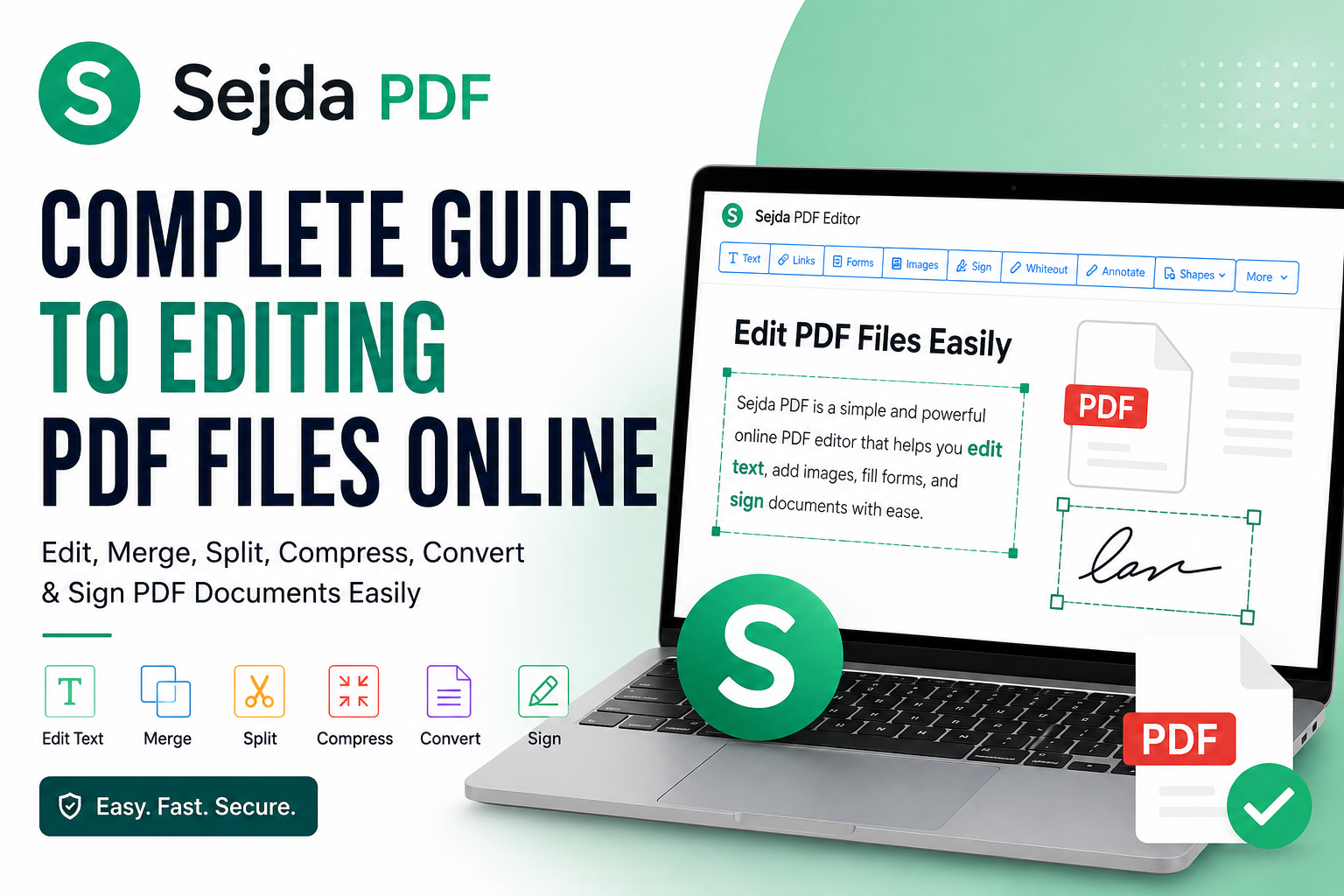
Sejda PDF: Complete Guide to Editing PDF Files Online
Working with PDF documents has become a regular part of everyday life, whether you’re managing business contracts, filling out forms, editing reports, or sharing academic documents. However, editing PDFs has traditionally required expensive software or advanced technical knowledge.
Sejda PDF has become a popular solution because it offers an easy-to-use platform for editing and managing PDF files directly in your browser or through a desktop application. Designed for both casual users and professionals, it combines a wide range of document tools without overwhelming users with unnecessary complexity.
This guide explains everything you need to know about Sejda PDF, including its features, advantages, limitations, pricing, security, and practical use cases. By the end, you’ll understand whether Sejda PDF is the right PDF editor for your needs.
Key Takeaways
- Sejda PDF offers online and desktop PDF editing tools.
- It supports editing, merging, splitting, compressing, signing, and converting PDFs.
- The platform is suitable for individuals, students, freelancers, and businesses.
- Free and paid plans are available depending on usage requirements.
- The clean interface makes PDF editing accessible even for beginners.
Main Article
What Is Sejda PDF?
Sejda PDF is a web-based and desktop PDF editor that allows users to perform a wide variety of document management tasks without needing complicated software.
Unlike many traditional PDF editors, Sejda PDF focuses on simplicity while still offering professional-grade features. Users can upload files directly from their computer or cloud storage, edit documents, and download the finished version within minutes.
The platform supports Windows, macOS, Linux, and all modern web browsers.
Why Sejda PDF Has Become Popular
Many users choose Sejda PDF because it balances functionality with ease of use.
Some reasons behind its popularity include:
- No advanced technical knowledge required
- Browser-based editing
- Clean and intuitive interface
- Multiple PDF tools in one platform
- Desktop application available
- Free daily usage for light users
- Supports common document workflows
Instead of purchasing expensive software for occasional edits, many users find Sejda PDF more practical.
Main Features of Sejda PDF
Sejda PDF includes a broad collection of document editing tools.
Edit PDF Text
One of the most useful features is direct text editing.
Users can:
- Modify existing text
- Add new paragraphs
- Delete unnecessary content
- Change font size and formatting where supported
This makes updating reports or correcting documents much easier.
Add Images
Users can insert:
- Company logos
- Signatures
- Charts
- Photos
- Watermarks
Images can be resized and positioned within the document.
Merge PDF Files
Combining multiple PDFs is straightforward.
Examples include:
- Monthly reports
- Contracts
- Scanned pages
- Invoices
Users simply upload files and arrange them in the desired order.
Split PDF Documents
Instead of sharing an entire document, users can extract selected pages.
Common scenarios include:
- Separating chapters
- Removing confidential pages
- Creating smaller documents
- Extracting forms
Compress PDF Files
Large PDFs can be difficult to email or upload.
Compression helps reduce file size while maintaining acceptable document quality.
This feature is especially useful for:
- Email attachments
- Website uploads
- Online applications
- Cloud storage
Convert PDF Files
Sejda PDF supports several document conversions.
Common conversions include:
| Conversion | Purpose |
|---|---|
| PDF to Word | Editable documents |
| PDF to JPG | Images from pages |
| JPG to PDF | Create PDFs from images |
| PDF to Excel | Extract tables |
| PDF to PowerPoint | Presentation editing |
Fill and Sign Documents
Users can complete forms without printing documents.
Features include:
- Add signatures
- Insert text
- Add dates
- Place checkmarks
- Fill official forms
This saves considerable time for contracts and administrative paperwork.
Online Version vs Desktop Version
Sejda PDF is available in two formats.
| Feature | Online Version | Desktop Version |
|---|---|---|
| Browser Access | Yes | No |
| Installation Required | No | Yes |
| Offline Editing | No | Yes |
| Large File Handling | Moderate | Better |
| Privacy for Local Files | Good | Excellent |
The online version is ideal for quick tasks, while the desktop application works well for users handling sensitive documents or larger files.
Sejda PDF Free vs Premium
The free version offers enough functionality for occasional users.
Free Plan
Typically includes:
- Basic editing tools
- Limited daily tasks
- File size restrictions
- Page limits
This works well for students and personal use.
Premium Plan
Paid subscriptions generally include:
- Unlimited tasks
- Larger file support
- Faster processing
- Additional editing capabilities
- Priority access to premium features
Professionals who work with PDFs daily often benefit from upgrading.
How to Use Sejda PDF
Getting started is simple.
Step 1
Open the Sejda PDF application or website.
Step 2
Upload your PDF document.
Step 3
Select the desired tool.
Examples include:
- Edit
- Merge
- Compress
- Split
- Convert
- Sign
Step 4
Make the necessary changes.
Step 5
Download the completed document.
Most editing tasks take only a few minutes.
Common Uses for Sejda PDF
Sejda PDF serves many different industries and user groups.
Students
Students use it to:
- Combine assignments
- Annotate lecture notes
- Convert research papers
- Fill university forms
Business Professionals
Professionals often use Sejda PDF for:
- Editing contracts
- Managing invoices
- Preparing reports
- Signing agreements
Freelancers
Freelancers benefit from:
- Sending proposals
- Editing client documents
- Creating portfolios
- Compressing deliverables
Teachers
Educators can:
- Prepare worksheets
- Combine learning materials
- Add comments
- Convert educational resources
Advantages of Sejda PDF
The platform offers several strengths.
Easy to Learn
The interface is clean and beginner-friendly.
Multiple Tools
Users do not need separate software for every PDF task.
Cross-Platform Support
Works across:
- Windows
- macOS
- Linux
- Chrome
- Firefox
- Edge
- Safari
Cloud Convenience
Users can edit documents from almost anywhere with internet access.
Time Saving
Many tasks that once required several applications can now be completed in one place.
Limitations to Consider
Although Sejda PDF is highly capable, it may not suit every workflow.
Some limitations include:
- Free version usage limits
- Advanced enterprise workflows may require specialized software
- Very large documents may perform better in the desktop version
- Some complex formatting may require manual adjustments after editing
Understanding these limitations helps users choose the right tool for their needs.
Is Sejda PDF Safe?
Security is an important consideration when uploading documents.
Sejda PDF provides secure document processing and offers a desktop application for users who prefer to keep files on their own computer.
For confidential business or legal documents, many users choose the desktop version because files remain on the local device.
As with any online document service, users should review the platform’s current privacy practices before uploading highly sensitive information.
Best Practices for Using Sejda PDF
To get the best results:
- Keep backup copies of important documents.
- Compress large files before sharing.
- Review formatting after editing.
- Use descriptive file names.
- Organize merged documents logically.
- Choose the desktop version when offline editing is preferred.
- Verify signatures before sending official documents.
Following these practices helps create a smoother document workflow.
Sejda PDF Compared with Traditional PDF Editors
| Feature | Sejda PDF | Traditional Desktop Editors |
|---|---|---|
| Easy to Use | Excellent | Moderate |
| Browser Access | Yes | Usually No |
| Installation | Optional | Required |
| Learning Curve | Low | Higher |
| Quick Editing | Excellent | Excellent |
| Offline Work | Desktop Version | Yes |
| Cost | Free and Premium Options | Often Higher |
For many everyday users, Sejda PDF provides more than enough functionality without the complexity associated with enterprise-level software.
Frequently Asked Questions
1. What is Sejda PDF used for?
Sejda PDF is used to edit, merge, split, compress, convert, sign, and organize PDF documents through an online platform or desktop application.
2. Is Sejda PDF free to use?
Yes. Sejda PDF offers a free version with daily usage limits. Premium plans provide additional features and fewer restrictions.
3. Can Sejda PDF edit existing text?
Yes. Users can modify existing text, add new content, insert images, and make various document edits depending on the PDF structure.
4. Does Sejda PDF work offline?
Yes. The desktop version allows users to edit documents without an internet connection.
5. Can Sejda PDF merge multiple PDF files?
Yes. Users can combine several PDF documents into one organized file with just a few clicks.
6. Is Sejda PDF suitable for businesses?
Yes. Businesses commonly use Sejda PDF for contracts, reports, invoices, forms, and document signing workflows.
7. What file formats can Sejda PDF convert?
Sejda PDF supports conversions between PDF and formats such as Microsoft Word, Excel, PowerPoint, JPG, and image files, depending on the selected tool.
Conclusion
Sejda PDF has established itself as a practical and user-friendly solution for managing PDF documents without the complexity of traditional editing software. Whether you need to edit text, merge files, compress documents, convert formats, or add digital signatures, the platform offers an efficient set of tools for everyday document management.
Its combination of online convenience, desktop flexibility, and beginner-friendly design makes it suitable for students, professionals, freelancers, educators, and businesses alike. While power users with highly specialized workflows may require more advanced software, Sejda PDF provides an excellent balance of functionality, ease of use, and affordability for most users.
If your goal is to simplify PDF editing while maintaining productivity, Sejda PDF is a capable option that covers the most common document tasks in one accessible platform.















Leave a Reply