

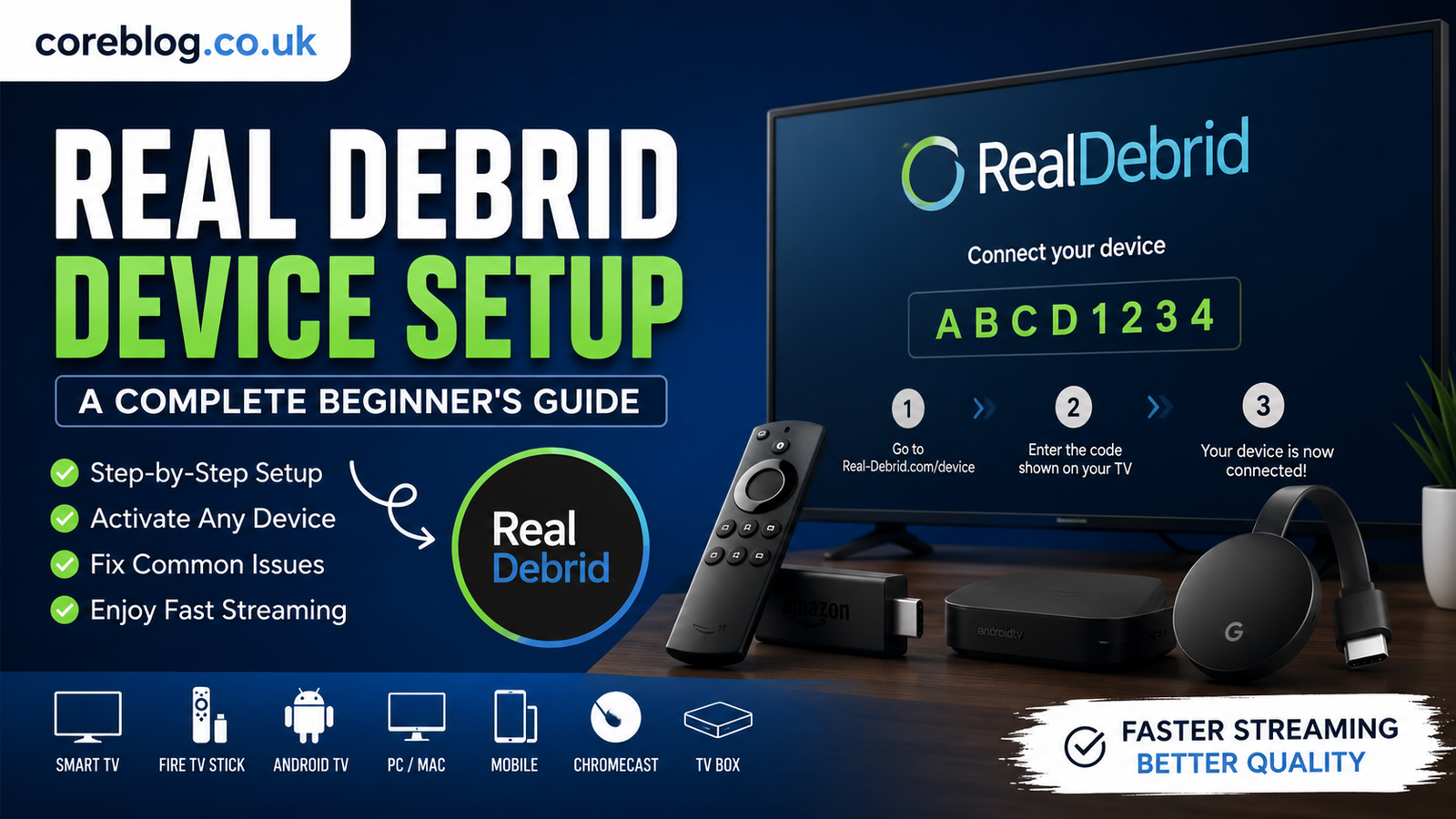
Real Debrid Device Setup: A Complete Beginner’s Guide
Setting up a new streaming device can sometimes feel confusing, especially when you want everything to work smoothly from the beginning. Fortunately, Real Debrid Device Setup is much easier than many beginners expect. Whether you’re using a smart TV, Android TV box, Fire TV Stick, Chromecast, smartphone, tablet, or computer, the setup process only takes a few minutes when you know the correct steps.
Real Debrid has become a popular premium service because it offers high-speed downloads, better streaming links, and reduced buffering. Instead of relying on slower public sources, users can enjoy premium servers that deliver faster performance and a more reliable experience.
This guide explains everything you need to know about Real Debrid Device Setup, from creating an account to activating your device, solving common problems, and getting the best possible streaming performance.
What Is Real Debrid?
Real Debrid is a premium unrestricted downloader that gives users access to high-speed servers. Rather than hosting content itself, it improves the quality and speed of supported downloads and streaming services.
Some of its main benefits include:
- Faster download speeds
- Premium file hosting support
- Reduced buffering
- Better streaming quality
- Multiple server locations
- Secure account management
- Device authorization
- Cloud download support
Many streaming applications support Real Debrid integration, making it a favorite among users looking for smoother playback.
Why Real Debrid Device Setup Matters
A proper Real Debrid Device Setup ensures your account connects securely with your streaming application or device. Without activation, your device cannot access premium servers or authenticated downloads.
Completing the setup correctly allows you to:
- Access premium streaming links
- Improve video playback quality
- Reduce loading times
- Eliminate many buffering issues
- Synchronize multiple compatible devices
- Enjoy a smoother viewing experience
Requirements Before Starting
Before beginning your Real Debrid Device Setup, make sure you have:
| Requirement | Purpose |
|---|---|
| Real Debrid account | Required for activation |
| Stable internet connection | Needed for authorization |
| Compatible streaming device | Fire TV, Android TV, PC, mobile, etc. |
| Web browser | Used during activation |
| Login credentials | Username and password |
Preparing these items beforehand makes the setup process much quicker.
How to Create a Real Debrid Account
If you’re new to the service, follow these basic steps:
Step 1: Register
Create your account using your email address and choose a secure password.
Step 2: Verify Your Email
Most new accounts require email verification before activation.
Step 3: Choose a Premium Plan
While account registration is free, premium access unlocks the full range of supported features.
Step 4: Log In
After registration, sign in using your credentials.
Now you’re ready to continue with the Real Debrid Device Setup.
Real Debrid Device Setup Step by Step
The following process works for most compatible streaming devices.
Open Your Streaming Application
Launch the application that supports Real Debrid integration.
Navigate to:
Settings → Accounts → Real Debrid
Different apps may place this option in slightly different menus.
Select Device Authorization
Choose the option to authorize or activate your Real Debrid account.
A unique activation code will appear on your screen.
Do not close this page.
Visit the Activation Page
Using your phone, tablet, or computer browser, open the official activation page.
Enter the code displayed on your streaming device.
Sign Into Your Account
If prompted, log in using your Real Debrid account information.
Confirm Authorization
Approve the device request.
Within a few seconds, your streaming device should automatically refresh and complete the Real Debrid Device Setup.
Devices That Support Real Debrid
Real Debrid works with many popular platforms, including:
- Android TV
- Fire TV Stick
- Google TV
- Chromecast
- Windows PC
- Mac computers
- Android smartphones
- iPhone
- iPad
- Linux systems
- Streaming boxes
- Selected media center applications
Compatibility depends on whether the application supports Real Debrid integration.
Benefits of Completing Real Debrid Device Setup
Once activation is complete, users often notice immediate improvements.
Faster Streaming
Premium servers provide much faster download speeds than many public sources.
Less Buffering
One of the biggest reasons people complete Real Debrid Device Setup is to reduce interruptions during playback.
Better Video Quality
Many premium sources support:
- 1080p
- Full HD
- 4K
- HDR
- High bitrate video
Reliable Servers
Premium hosting services generally provide better uptime than free alternatives.
Multiple Device Support
You can authorize compatible devices while following your account’s usage policies.
Common Real Debrid Device Setup Problems
Even though setup is simple, occasional issues can occur.
Invalid Activation Code
Possible causes include:
- Expired code
- Typing mistake
- Browser refresh
- Delayed activation
Generate a new code if necessary.
Login Problems
Double-check:
- Username
- Password
- Email verification
- Active subscription
Device Not Connecting
Try:
- Restarting the application
- Restarting the streaming device
- Checking your internet connection
- Signing out and back in
Activation Not Updating
Sometimes the application requires a restart after authorization.
Tips for a Smooth Real Debrid Device Setup
These simple tips help avoid common issues.
Keep Your App Updated
Older versions may not support the latest authentication process.
Use Stable Internet
Avoid activating your device on an unstable network.
Complete Setup Quickly
Activation codes often expire after a short period.
Protect Your Account
Use a strong password and avoid sharing your account credentials.
Sign Out of Old Devices
If you no longer use a device, remove unnecessary authorizations when appropriate.
Is Real Debrid Safe?
Many users ask whether Real Debrid Device Setup is safe.
Generally speaking, account activation itself is straightforward and uses secure authentication between your account and supported applications. As with any online service:
- Use strong passwords.
- Keep your account private.
- Enable available security features.
- Avoid unofficial or suspicious applications.
Practicing good online security helps protect your account.
Performance Tips After Real Debrid Device Setup
Once your device is connected, you can improve performance even further.
Consider these suggestions:
- Restart your streaming application regularly.
- Clear application cache occasionally.
- Update your streaming device.
- Maintain a fast internet connection.
- Close unnecessary background applications.
- Keep enough storage space available.
- Use Ethernet when possible for maximum stability.
These small improvements often lead to smoother streaming.
Frequently Asked Questions
How long does Real Debrid Device Setup take?
Most users finish the process in less than five minutes.
Can I activate multiple devices?
Compatible devices can usually be authorized according to your account terms.
Why is my activation code not working?
Activation codes expire after a short period. Generate a new one if necessary.
Do I need a browser?
Yes. Device activation is typically completed through a web browser on another device.
Will setup improve streaming speed?
Many users experience faster downloads, reduced buffering, and access to higher-quality streams after completing Real Debrid Device Setup.
Best Practices for Long-Term Use
To keep everything running smoothly:
- Update supported applications regularly.
- Keep your subscription active if you want premium access.
- Monitor account activity.
- Remove unused device authorizations.
- Maintain a secure password.
- Restart your device occasionally.
- Check for application updates.
Following these habits helps ensure consistent performance over time.
Conclusion
Completing a Real Debrid Device Setup is one of the easiest ways to unlock faster downloads, smoother playback, and access to premium streaming servers. Although the activation process only takes a few minutes, it can make a noticeable difference in your overall streaming experience.
By following the step-by-step instructions in this guide, keeping your apps updated, and maintaining a stable internet connection, you’ll be well positioned to enjoy reliable performance across your compatible devices.
If you found this guide helpful, consider sharing it with others who are setting up Real Debrid for the first time. If you have questions or tips from your own experience, leave a comment and join the conversation.















Leave a Reply