

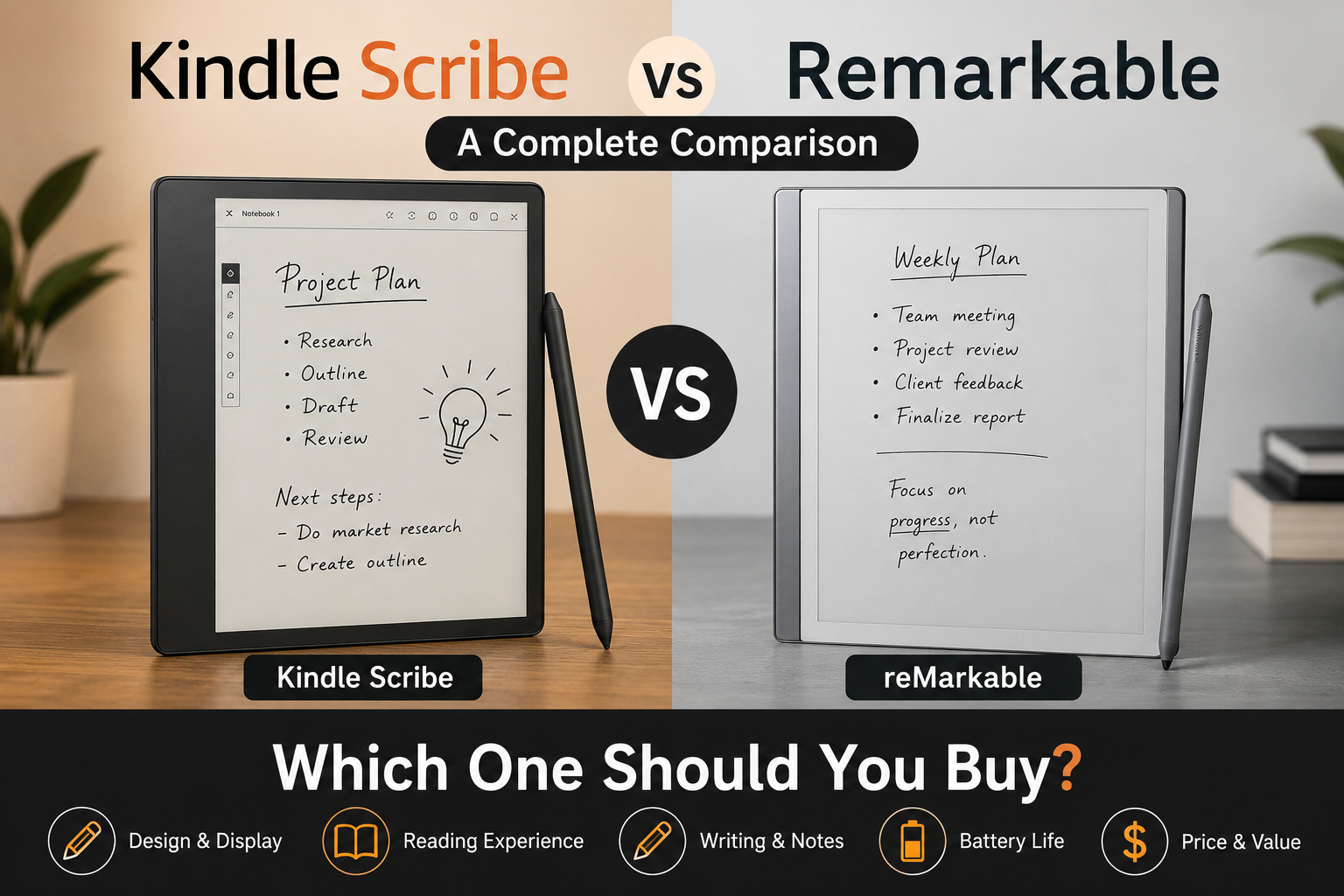
Kindle Scribe vs Remarkable: Which One Should You Buy?
Choosing the right digital notebook is no longer as simple as picking the latest device. If you’re comparing Kindle Scribe vs Remarkable, you’re likely looking for a distraction-free way to read, write, organize notes, or replace paper notebooks altogether.
Although both devices use E Ink displays and support handwriting, they are designed with different priorities in mind. Kindle Scribe combines Amazon’s extensive ebook ecosystem with note-taking features, while reMarkable focuses on creating a digital paper experience with powerful writing and organization tools.
This guide compares Kindle Scribe and reMarkable across design, display, writing experience, reading features, software, battery life, pricing, and overall value. By the end, you’ll have a clear understanding of which device best fits your workflow and budget.
Key Takeaways
- Kindle Scribe is an excellent choice for readers who also want reliable note-taking.
- reMarkable is designed primarily for handwriting, annotation, and distraction-free productivity.
- Both devices feature E Ink displays, but their software experiences differ significantly.
- Your ideal choice depends on whether reading or writing is your highest priority.
- Long-term value also depends on accessories, software features, and ecosystem preferences.
Main Article
Kindle Scribe vs Remarkable at a Glance
| Feature | Kindle Scribe | reMarkable |
|---|---|---|
| Primary Purpose | Reading and note-taking | Writing and note-taking |
| Display | Large E Ink display | Paper-like E Ink display |
| Ebook Store | Amazon Kindle Store | No dedicated ebook marketplace |
| Handwriting | Excellent | Exceptional |
| PDF Annotation | Yes | Yes |
| Cloud Integration | Amazon ecosystem | Cloud synchronization available |
| Best For | Readers who take notes | Professionals and students focused on handwriting |
Although they appear similar at first glance, their priorities are very different.
Design and Build Quality
Both devices feature minimalist designs with lightweight bodies and premium construction.
Kindle Scribe
Kindle Scribe has a sleek aluminum finish and feels similar to other premium Kindle devices. It is comfortable for extended reading sessions and includes wide bezels that make it easy to hold without touching the screen accidentally.
Its design favors reading first while still supporting handwritten notes.
reMarkable
reMarkable takes a more notebook-inspired approach. Everything about its design is intended to mimic traditional paper.
Its slim profile, premium materials, and minimal interface help reduce distractions and encourage focused work.
If aesthetics and writing comfort matter most, many users appreciate reMarkable’s paper-first philosophy.
Display Quality
One of the biggest similarities in the Kindle Scribe vs Remarkable comparison is the use of E Ink technology.
Benefits include:
- Comfortable reading outdoors
- Reduced eye strain
- Long battery life
- Paper-like appearance
However, each display is optimized differently.
Kindle Scribe Display
Kindle Scribe includes a high-resolution display with adjustable front lighting.
Advantages include:
- Reading at night
- Adjustable brightness
- Warm light settings on supported models
- Excellent text clarity
The front light makes Kindle Scribe much more flexible in different environments.
reMarkable Display
reMarkable emphasizes writing rather than reading.
Its display is intentionally designed to resemble paper, creating a natural handwriting experience.
Unlike Kindle Scribe, some reMarkable models do not include integrated front lighting, making external lighting necessary in darker environments.
Writing Experience
Writing performance is where these two devices begin to separate.
Kindle Scribe Writing Experience
Kindle Scribe supports:
- Handwritten notes
- Notebook organization
- PDF markup
- Sticky notes inside compatible ebooks
The writing feels smooth, responsive, and accurate.
Amazon has continued improving handwriting features through software updates, making the device increasingly capable for everyday note-taking.
reMarkable Writing Experience
This is where reMarkable truly shines.
Its strengths include:
- Extremely low writing latency
- Natural pen feel
- Excellent pressure sensitivity
- Minimal distractions
- Paper-like texture
For users replacing physical notebooks, reMarkable often provides one of the closest digital alternatives available.
Reading Experience
If reading books is your primary activity, Kindle Scribe has a significant advantage.
Kindle Scribe
Users gain access to:
- Kindle Store
- Large ebook library
- Reading progress synchronization
- Adjustable fonts
- Dictionaries
- Highlighting
- Book annotations
The experience closely matches other Kindle devices while adding handwriting support.
reMarkable
reMarkable can display:
- PDFs
- EPUB files
- Documents
However, it is not designed as a dedicated ebook platform.
If reading novels every day is important, Kindle Scribe offers a much richer experience.
Note Organization
Both devices let users organize notes, but they approach organization differently.
Kindle Scribe
Users can create:
- Multiple notebooks
- Folders
- Notebook templates
- Searchable organization
Amazon continues expanding notebook functionality through software updates.
reMarkable
Organization focuses heavily on productivity.
Features include:
- Folders
- Tags
- Document organization
- Notebook management
Many professionals appreciate the streamlined interface because it stays out of the way.
PDF Annotation
Students and professionals frequently compare Kindle Scribe vs Remarkable for document review.
Both devices support:
- PDF annotation
- Handwritten comments
- Highlighting
- Markup
reMarkable generally offers more flexibility for heavy annotation workflows, while Kindle Scribe integrates these features alongside reading.
Software Experience
Software plays a major role in everyday usability.
Kindle Scribe
Strengths include:
- Frequent updates
- Kindle ecosystem integration
- Simple interface
- Reliable synchronization
- Reading-focused features
Amazon continues adding new capabilities over time.
reMarkable
The software is intentionally simple.
Its clean interface removes unnecessary distractions, making it attractive for users who want to focus entirely on writing and thinking.
Rather than offering numerous apps, it prioritizes concentration.
Battery Life
Battery performance is excellent on both devices thanks to E Ink technology.
Typical usage allows:
- Several days of heavy work
- Weeks of moderate reading
- Minimal standby power consumption
Battery life varies depending on:
- Writing frequency
- Screen brightness
- Synchronization
- File transfers
For most users, charging once every week or two is sufficient.
Pen Performance
Both devices include stylus support.
Kindle Scribe Pen
The Premium Pen offers useful shortcuts, including:
- Shortcut button
- Eraser functionality
- Comfortable grip
- No charging required
reMarkable Marker
The Marker focuses on creating a natural writing experience.
Its strengths include:
- Excellent balance
- Responsive handwriting
- Comfortable long writing sessions
- Paper-like precision
Serious note-takers often consider this one of reMarkable’s strongest advantages.
Ecosystem and Compatibility
Kindle Scribe
Best suited for users already invested in:
- Kindle ebooks
- Amazon services
- Kindle Unlimited
- Existing Kindle devices
Everything works together seamlessly.
reMarkable
Ideal for users who primarily:
- Write notes
- Review PDFs
- Sketch ideas
- Organize documents
Its ecosystem is built around productivity rather than entertainment.
Who Should Buy Kindle Scribe?
Kindle Scribe is an excellent option if you:
- Read books every day
- Already own Kindle books
- Want one device for reading and notes
- Prefer adjustable lighting
- Value Amazon integration
It balances reading and writing remarkably well.
Who Should Buy reMarkable?
Choose reMarkable if you:
- Replace multiple paper notebooks
- Attend meetings regularly
- Annotate PDFs every day
- Prefer distraction-free work
- Value handwriting above reading
It is especially attractive for professionals, students, researchers, and writers.
Pros and Cons
Kindle Scribe
Pros
- Excellent Kindle reading experience
- Front-lit display
- Strong battery life
- Premium hardware
- Continuous software improvements
Cons
- Writing tools are less specialized than reMarkable
- Better suited to readers than dedicated writers
reMarkable
Pros
- Outstanding handwriting feel
- Minimal distractions
- Excellent PDF annotation
- Highly organized note management
- Natural writing experience
Cons
- Limited ebook ecosystem
- Reading features are not as comprehensive
- Some advanced features may depend on additional services
Which Offers Better Value?
Value depends entirely on your intended use.
If your daily routine revolves around books, articles, and occasional notes, Kindle Scribe delivers impressive versatility.
If your goal is replacing paper notebooks, organizing handwritten work, and maximizing focus, reMarkable justifies its purpose-built design.
Neither device is universally better—they simply solve different problems.
Frequently Asked Questions
Is Kindle Scribe better than reMarkable?
It depends on your priorities. Kindle Scribe is generally better for reading books and taking occasional notes, while reMarkable is designed primarily for handwriting and document annotation.
Can Kindle Scribe replace a paper notebook?
For many users, yes. It supports handwritten notebooks, templates, and PDF annotation, making it suitable for meetings, studying, and everyday note-taking.
Is reMarkable good for reading ebooks?
It can read supported document formats, but it is not intended to replace a dedicated ebook reader with a large bookstore and advanced reading features.
Which device has the better writing experience?
Many users consider reMarkable to offer the most natural handwriting experience because of its paper-like surface and writing-focused software.
Which has better battery life?
Both devices provide excellent battery life thanks to E Ink displays. Actual performance depends on reading habits, note-taking frequency, and synchronization settings.
Is Kindle Scribe worth buying for students?
Yes, especially for students who read textbooks, annotate PDFs, and want access to Kindle books alongside handwritten notes.
Can both devices annotate PDFs?
Yes. Both Kindle Scribe and reMarkable allow handwritten annotations on PDF documents, although their workflows and organization tools differ.
Conclusion
The Kindle Scribe vs Remarkable decision ultimately comes down to how you plan to use your device.
Choose Kindle Scribe if your ideal device combines a premium ebook reader with capable note-taking. Its access to the Kindle ecosystem, adjustable front lighting, and growing software features make it a versatile option for readers who occasionally write.
Choose reMarkable if handwriting, organization, and focused productivity are your top priorities. Its paper-like writing experience and streamlined interface make it one of the strongest digital notebook options available.
Before making your purchase, consider how much time you spend reading books versus taking handwritten notes. Matching the device to your daily workflow will provide far more value than simply choosing the one with the longest feature list.















Leave a Reply