

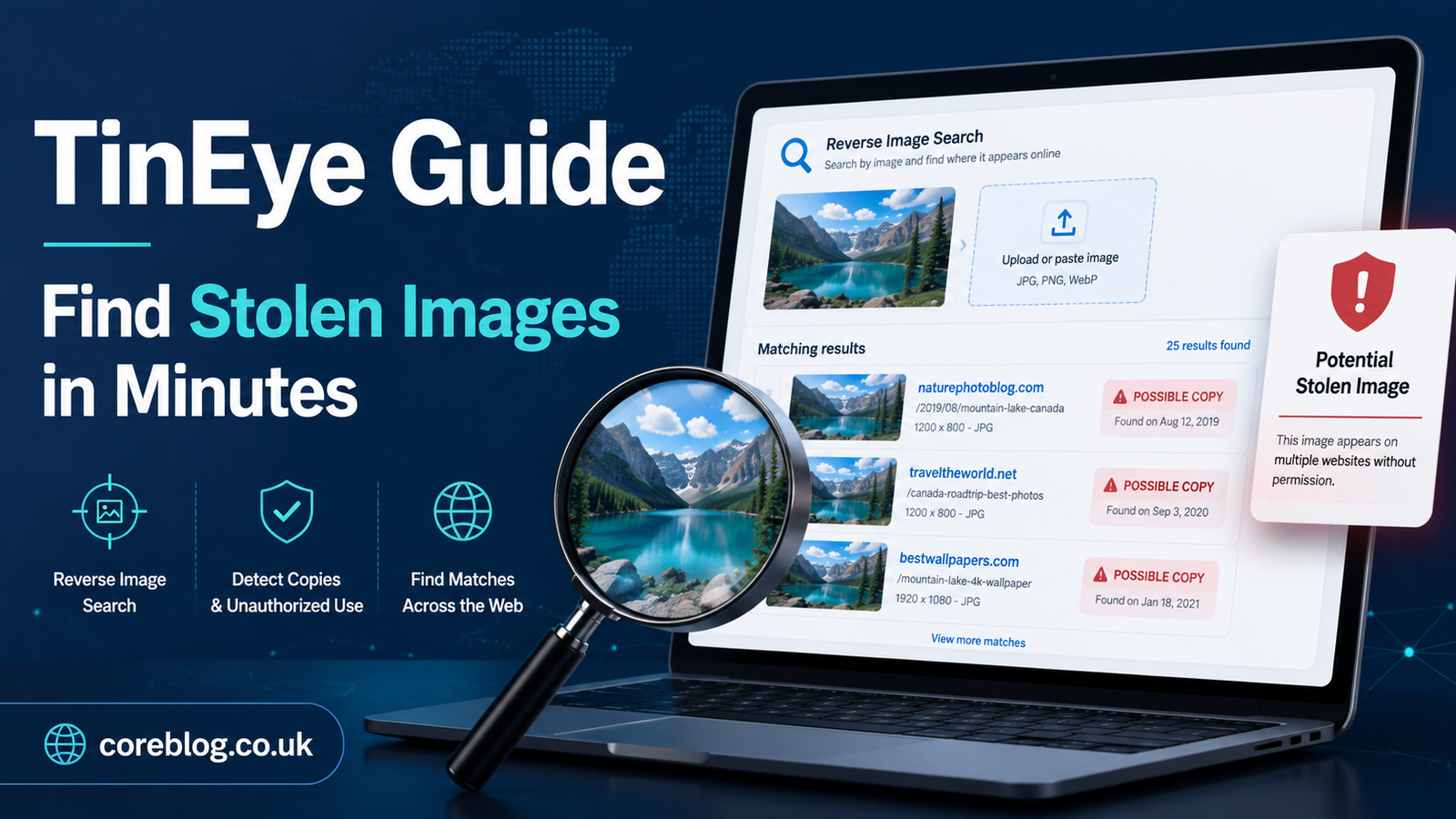
Your Image May Be Traveling Without You
You upload a photo, graphic, product image, logo, or blog visual, and at first everything looks normal. It sits nicely on your website, social media page, online store, or portfolio. Then one day, you notice something strange. The same image appears on another website. No credit. No permission. No backlink. No message. Nothing.
That little moment can feel frustrating, especially when you created the image yourself or paid someone to design it. Online content moves fast, and images are among the easiest things to copy. A single right-click can send your work into someone else’s blog, sales page, fake profile, product listing, or news post.
That is exactly why this TinEye Guide matters.
TinEye is one of the most useful reverse image search tools for finding where an image appears online. Instead of typing words into a search bar, you search with an image. TinEye then looks for matches, edited versions, resized copies, and similar uses across the web. For photographers, bloggers, business owners, designers, journalists, marketers, and everyday internet users, it can save time and protect visual content.
In this TinEye Guide, we will walk through what TinEye is, how it works, how to use it properly, and how you can find stolen images in minutes. We will also cover smart tips, common mistakes, image copyright basics, and practical ways to respond when someone uses your work without permission.
What Is TinEye?
TinEye is a reverse image search engine. That means it helps you search the internet using an image instead of text. You can upload a picture, paste an image URL, or drag and drop a file into the search box. TinEye then checks its image index and shows you where that image, or close versions of it, appears online.
Unlike a normal search engine, TinEye does not need you to describe the picture with keywords. This is helpful because images are often hard to explain in words. For example, if you have a product photo, a portrait, a logo, or a custom illustration, you may not know what phrase another website used with it. TinEye avoids that problem by focusing on the image itself.
This TinEye Guide is especially useful if you want to:
- Find stolen images online
- Check whether your photo has been reused
- Track where your visual content appears
- Discover the original source of an image
- Find higher-resolution versions of a picture
- Spot fake profiles using copied images
- Monitor brand visuals and product photos
- Verify image use before publishing
In simple words, TinEye helps you answer one important question: “Where else is this image being used?”
Why Image Theft Is So Common Online
Image theft is common because it is easy. Many people do not think about image rights, copyright law, creative ownership, or licensing. They see a photo online, save it, and use it on their website or social account. Some do it without knowing the rules. Others do it because they think nobody will notice.
However, copied images can cause real problems.
A stolen product image can mislead buyers. A copied blog image can hurt your content value. A reused professional photo can damage your personal brand. A stolen logo or graphic can confuse customers. In some cases, copied images are used in scams, fake accounts, or misleading ads.
That is why tools like TinEye are important. You may not be able to stop every misuse, but you can find many of them quickly. With the right method, this TinEye Guide can help you spot unauthorized image use before it spreads too far.
How TinEye Works in Simple Terms
TinEye uses image recognition technology. When you upload an image, TinEye does not simply read the file name or look at the text around the image. Instead, it analyzes the visual details of the picture. It looks at patterns, shapes, colors, and other image features.
Then it compares those details with images in its database. If it finds matches, it shows you a list of pages where the image appears.
The best part is that TinEye can often detect copies even when the image has been changed. For example, it may still find your image if someone has:
- Cropped it
- Resized it
- Changed the color tone
- Added text over it
- Compressed the file
- Used part of the image
- Slightly edited the design
Of course, no tool is perfect. TinEye may not find every single copy online. Still, it is a strong starting point for reverse image lookup and image tracking.
Why Use TinEye Instead of Only Searching Manually?
Manual searching is slow. Imagine trying to find a stolen photo by typing different phrases into a search engine. You may search the title, caption, file name, subject, location, or product name. Even after all that, you might miss the copied image because the other website used different words.
TinEye removes much of that guesswork. You provide the image, and the tool searches visually.
Here is a simple comparison:
| Method | Best For | Main Limitation |
|---|---|---|
| Manual keyword search | Finding pages with similar text | Misses images with different captions |
| Social media search | Finding posts and shares | Hard to search deeply |
| TinEye reverse image search | Finding visual matches | Depends on indexed images |
| Browser image search | Quick checks | Results may vary |
| Brand monitoring tools | Ongoing tracking | Often more complex |
For most website owners and content creators, TinEye is a practical first step. It is fast, simple, and focused on images.
TinEye Guide: How to Find Stolen Images in Minutes
Now let’s get practical. This section of the TinEye Guide explains how to search for copied or stolen images step by step.
Step 1: Choose the Image You Want to Check
Start with the exact image you want to investigate. This could be:
- A blog featured image
- A product photo
- A logo
- A portfolio picture
- A social media graphic
- A personal photo
- A banner design
- An infographic
- A digital artwork
- A website screenshot
Use the cleanest version of the image you have. If possible, use the original file instead of a screenshot. A clear image gives TinEye a better chance of finding matches.
Step 2: Upload the Image or Paste the Image URL
TinEye gives you two easy ways to search.
You can upload the image from your device. This is useful if the image is saved on your computer or phone.
You can also paste the image URL. This works well when the image is already online. For example, if your photo is on your blog, open the image in a new tab, copy the image address, and paste it into TinEye.
Both methods can work. However, if you own the image file, uploading the original is often a smart choice.
Step 3: Review the Search Results Carefully
After the search, TinEye shows matching results. Do not rush this part. Look at each result and check where the image appears.
Pay attention to:
- The website name
- The page title
- The image size
- The date TinEye found it
- Whether the image was cropped or edited
- Whether your name, website, or brand is credited
- Whether the use looks fair, licensed, or unauthorized
Sometimes a result may be harmless. For example, it may be your own social media post or a website where you gave permission. Other times, you may find a blog, marketplace, or profile using your image without credit.
Step 4: Sort the Results for Better Clues
TinEye allows you to sort results in useful ways. This can help you understand how the image has moved across the internet.
You may sort by:
- Best match
- Most changed
- Biggest image
- Newest result
- Oldest result
Sorting by oldest can help you find the original source of an image. Sorting by biggest can help you find a higher-quality version. Sorting by most changed can reveal edited copies.
In this TinEye Guide, one important tip is to never rely only on the first result. Check different sorting options. You may discover pages you would have missed otherwise.
Step 5: Open Suspicious Pages and Take Notes
When you find a suspicious result, open the page and review it. Look for signs that your image is being used without permission.
Ask yourself:
- Is my image used in a blog post?
- Is it being used to sell something?
- Is my credit removed?
- Is my watermark cropped out?
- Is the image edited to look original?
- Is the website pretending to own it?
- Is the image linked back to my page?
Write down the page URL, website name, date, and how the image is used. If you need to take action later, these details will help.
Step 6: Save Proof Before Contacting Anyone
Before sending a message, save evidence. This is important because the page may change later.
You can save:
- A screenshot of the page
- The page URL
- The date you found it
- The image location
- The search result from TinEye
- A copy of your original image
- Proof that you created or own the image
This does not need to be complicated. Even a simple folder with screenshots and notes can be enough for basic tracking.
What to Do If You Find a Stolen Image
Finding the image is only the first step. What you do next depends on the situation.
Option 1: Ask for Credit
If the website is not harmful and you simply want recognition, ask them to add proper credit. This can be a good option for bloggers, photographers, and artists who want visibility.
A polite message often works better than an angry one. Mention the image, explain that it belongs to you, and ask for a credit line or backlink.
Option 2: Request Removal
If you do not want the image used at all, ask the site owner to remove it. Be direct but professional. Include the page URL and proof of ownership.
Many website owners remove copied images quickly once they are contacted. Some may not have known the image was protected.
Option 3: Ask for Payment or Licensing
If your image has commercial value, you may ask the website to pay for a license. This is common for photographers, designers, and agencies. However, keep your message clear and reasonable.
Option 4: Report the Image
If the website ignores you or uses the image in a harmful way, you may report it through the hosting provider, platform, search engine, or legal process available in your region. Keep your evidence organized.
This TinEye Guide is not legal advice, but it can help you prepare the basic information you may need.
Best Uses of TinEye for Bloggers
Bloggers use images all the time. Featured images, Pinterest graphics, screenshots, charts, thumbnails, and article visuals can all be copied. TinEye helps bloggers check whether their images are being reused across other sites.
Here are smart ways bloggers can use TinEye:
- Check featured images after publishing
- Find sites copying your blog graphics
- Track infographics used without credit
- Search guest post images
- Verify image sources before uploading
- Find original creators for proper attribution
- Protect custom visuals and branded graphics
For content sites, this can also support SEO. If another site uses your image without credit, you may request a backlink. That backlink can help show the original source and may support your website authority.
Best Uses of TinEye for Photographers
Photographers often face image theft. A single photo can end up on travel blogs, fake profiles, ads, online stores, or social posts. TinEye gives photographers a simple way to search for unauthorized use.
A photographer can use this TinEye Guide to:
- Track portfolio images
- Find clients misusing licensed photos
- Spot cropped watermarks
- Discover commercial use without payment
- Check whether images appear on stock-style websites
- Find reposts that do not include credit
For professional photographers, regular image checks can become part of monthly content protection.
Best Uses of TinEye for Online Stores
Ecommerce sellers depend heavily on product images. If competitors steal your product photos, they may confuse customers or weaken your brand. Worse, scam stores may use your product images to sell fake items.
TinEye can help online store owners:
- Find competitors using product images
- Detect fake listings
- Monitor brand visuals
- Check marketplace image copies
- Find reused lifestyle photos
- Protect original product photography
If your store invests in custom product shoots, reverse image search should be part of your brand protection routine.
Best Uses of TinEye for Designers and Artists
Designers, illustrators, and digital artists spend hours creating visuals. Sadly, those visuals can be copied in seconds. TinEye can help you search for your artwork and check whether it appears on other sites.
You can use TinEye to search for:
- Logo designs
- Digital illustrations
- Posters
- Album covers
- Social graphics
- Website banners
- Character artwork
- Infographics
- Creative concepts
For artists, this can feel personal. Your work carries your style, ideas, and effort. A tool like TinEye helps you stay aware of where that work travels.
How to Get Better Results from TinEye
TinEye is simple, but smart searching makes it even better. Here are practical tips to improve your results.
Use the Original Image When Possible
Original images usually give better matches. If you upload a blurry screenshot, cropped version, or compressed file, the search may be less accurate.
Try Different Versions of the Same Image
If one search does not find much, try another version. Search the full image, then a cropped section. Search the watermark version and the clean version. Small changes can bring different results.
Search Important Images Regularly
Do not check once and forget. If an image matters to your brand, check it every few weeks or months. Some copied images appear long after the original post is published.
Check Both New and Old Results
Old results may show where the image started. New results may show recent copying. Both can be useful.
Keep a Simple Tracking Sheet
You do not need fancy software. A basic spreadsheet can help. Add columns for image name, search date, suspicious URL, action taken, and status.
Common Mistakes People Make When Using TinEye
Even a good tool can be used poorly. Here are common mistakes to avoid.
Mistake 1: Assuming No Results Means No Theft
If TinEye finds no results, that does not always mean your image is safe. It may simply mean the copied page is not indexed. Try other search methods too.
Mistake 2: Ignoring Edited Copies
Some people only look for exact matches. However, stolen images may be cropped, filtered, resized, or covered with text. Review changed versions carefully.
Mistake 3: Contacting Sites Without Proof
Before you accuse anyone, collect proof. Screenshots, original files, upload dates, and project files can support your claim.
Mistake 4: Getting Too Emotional in the First Message
It is normal to feel angry when your work is copied. Still, your first message should be calm. A professional tone often gets faster results.
Mistake 5: Not Checking Your Own Licensed Images
If you buy stock images or use licensed visuals, TinEye can help you check how widely they appear. This is useful if you want unique images for your brand.
Is TinEye Good for Finding Fake Profiles?
Yes, TinEye can help in many cases. Fake profiles often use stolen photos from real people, influencers, models, or public accounts. If you suspect a profile picture is fake, you can search it with TinEye.
However, remember that fake profile detection needs care. A match does not always prove wrongdoing. The same image may appear for normal reasons. Still, TinEye can give useful clues, especially when the same profile photo appears under different names across multiple sites.
This TinEye Guide can help users check suspicious images before trusting unknown accounts, online sellers, or social profiles.
Can TinEye Find the Original Source of an Image?
Sometimes, yes. TinEye can help you find the earliest indexed version of an image. Sorting by oldest result can be useful for this.
However, the oldest result in TinEye is not always the true original source. It is simply the oldest version TinEye has found in its database. The image may have existed elsewhere earlier.
Still, this feature is helpful when you want to trace image history, verify image ownership, or find where a visual first became visible online.
TinEye Guide for SEO: Why Image Tracking Matters
Image protection is not only about ownership. It also connects with SEO, brand authority, and content trust.
When your original images appear across the web without credit, you lose potential value. A copied infographic could have brought backlinks. A reused product photo could have led customers back to your store. A stolen blog image could confuse search engines and readers.
Using this TinEye Guide, you can protect your content in several SEO-friendly ways:
- Find websites using your visuals
- Request proper image credit
- Ask for a source mention
- Protect branded graphics
- Discover content scrapers
- Improve digital asset management
- Strengthen content ownership signals
- Build brand trust through original visuals
Original images can make a website feel more credible. When you protect them, you protect part of your content identity.
TinEye vs Other Reverse Image Search Tools
TinEye is not the only reverse image search option. However, it has a clean focus and is easy to use.
Here is a quick comparison:
| Tool Type | Strength | Best Use |
|---|---|---|
| TinEye | Strong reverse image matching | Finding image copies and sources |
| Search engine image tools | Broad web discovery | General visual search |
| Social platform search | Platform-specific checking | Finding reposts on social media |
| Paid monitoring tools | Ongoing alerts and reports | Business-level tracking |
| Manual checking | Human review | Confirming context and ownership |
The best approach is often to use TinEye first, then support it with other methods if needed.
How Often Should You Use TinEye?
It depends on how valuable your images are. A casual blogger may only need to check important images once in a while. A photographer, ecommerce store, or agency may need a regular schedule.
Here is a simple plan:
| User Type | Suggested Search Frequency |
|---|---|
| Personal blogger | Every 2–3 months |
| Professional photographer | Monthly |
| Ecommerce store | Monthly or biweekly |
| Digital artist | Monthly |
| News or media site | Weekly for major visuals |
| Brand or agency | Monthly with tracking sheet |
The more important the image is, the more often you should check it.
What Images Should You Search First?
If you have many images, do not try to check everything at once. Start with the most valuable ones.
Search these first:
- Original photos you created
- Product images
- Images with high traffic
- Infographics
- Branded graphics
- Portfolio images
- Paid photography
- Viral social media images
- Images used in ads
- Images with your logo or watermark
This makes the process easier and more effective.
How to Prevent Image Theft Before It Happens
You cannot fully stop people from copying online images. However, you can make misuse harder and easier to detect.
Add Watermarks Carefully
A small watermark can show ownership. However, do not make it so large that it ruins the image. Place it where it cannot be easily cropped out.
Use Lower-Resolution Public Versions
For portfolio previews or blog images, use a web-friendly size instead of uploading the full-resolution file. Keep the original safely stored.
Add Clear Usage Terms
Tell visitors how your images may or may not be used. Clear terms can reduce confusion.
Keep Original Files
Save your source files, project files, camera data, and design exports. These can help prove ownership.
Monitor Important Images
Use TinEye and other methods to check your key images regularly.
Practical Example: Finding a Copied Blog Image
Imagine you run a food blog. You create a custom photo for a recipe post. A month later, traffic drops a little, and you wonder whether other websites have copied your content.
You upload your recipe image into TinEye. The results show your image on three websites. One is your own Pinterest post. One is a blog that credited you. The third is a recipe website using your photo with no credit.
Now you have options. You can contact the site and ask for credit, request removal, or ask for a proper link. Without TinEye, you might never have found that page.
This is why a TinEye Guide is useful for everyday publishers. It turns a confusing problem into a clear process.
Practical Example: Checking a Product Photo
Now imagine you sell handmade leather wallets. You paid for a professional product shoot. A few weeks later, you notice a cheap store using a photo that looks like yours.
You search the image with TinEye and find several listings using the same product photo. Some may be resellers, but others may be suspicious. You collect screenshots, compare the pages, and contact the platforms.
In this case, TinEye helps protect not only your image but also your product reputation.
Is TinEye Free to Use?
TinEye can be used for basic reverse image searches, and that is enough for many users. For heavier use, businesses and developers may need advanced options or paid services. The exact needs depend on how often you search and whether you want automated image tracking.
For a blogger, designer, or small business owner, manual searches are a good place to begin. Later, if image monitoring becomes a major part of your workflow, you can explore more advanced options.
Is TinEye Safe for Image Searching?
TinEye is widely used for reverse image lookup. Still, it is smart to be careful with sensitive images. Do not upload private documents, personal identification images, confidential business files, or anything you are not comfortable checking through an online tool.
For normal blog images, product photos, graphics, and public visuals, TinEye can be a practical tool. Use common sense and avoid uploading anything private.
TinEye Guide Checklist
Here is a quick checklist you can follow whenever you want to find stolen images.
| Step | What to Do |
|---|---|
| 1 | Choose the original image |
| 2 | Upload it or paste the image URL |
| 3 | Review all matching results |
| 4 | Sort by best match, oldest, newest, or most changed |
| 5 | Open suspicious pages |
| 6 | Save screenshots and page URLs |
| 7 | Decide whether to ask for credit, removal, or payment |
| 8 | Track your actions in a spreadsheet |
| 9 | Repeat the search later |
| 10 | Protect future images with better habits |
This checklist keeps the process simple. You do not need to be a technical expert. You only need a careful eye and a few minutes.
Final Thoughts: Use TinEye Before Your Images Disappear Into the Web
The internet is full of copied visuals. Some are shared by mistake. Some are reused without thought. Others are taken on purpose. Whatever the reason, your images deserve attention, especially if they support your brand, business, portfolio, or creative work.
This TinEye Guide gives you a simple way to take control. You can upload an image, review matches, find stolen copies, save proof, and decide what action to take. It is not complicated. In fact, once you try it a few times, it becomes a quick habit.
If you publish original images online, do not wait until someone tells you they saw your photo somewhere else. Check your best visuals regularly. Protect your work. Ask for proper credit when needed. Keep your brand clean and trustworthy.
A few minutes with TinEye can save hours of frustration later. And in a web full of fast copying, that small habit can make a big difference.
If this TinEye Guide helped you understand reverse image search better, share it with another blogger, creator, photographer, or business owner who wants to protect their images online.













Leave a Reply