

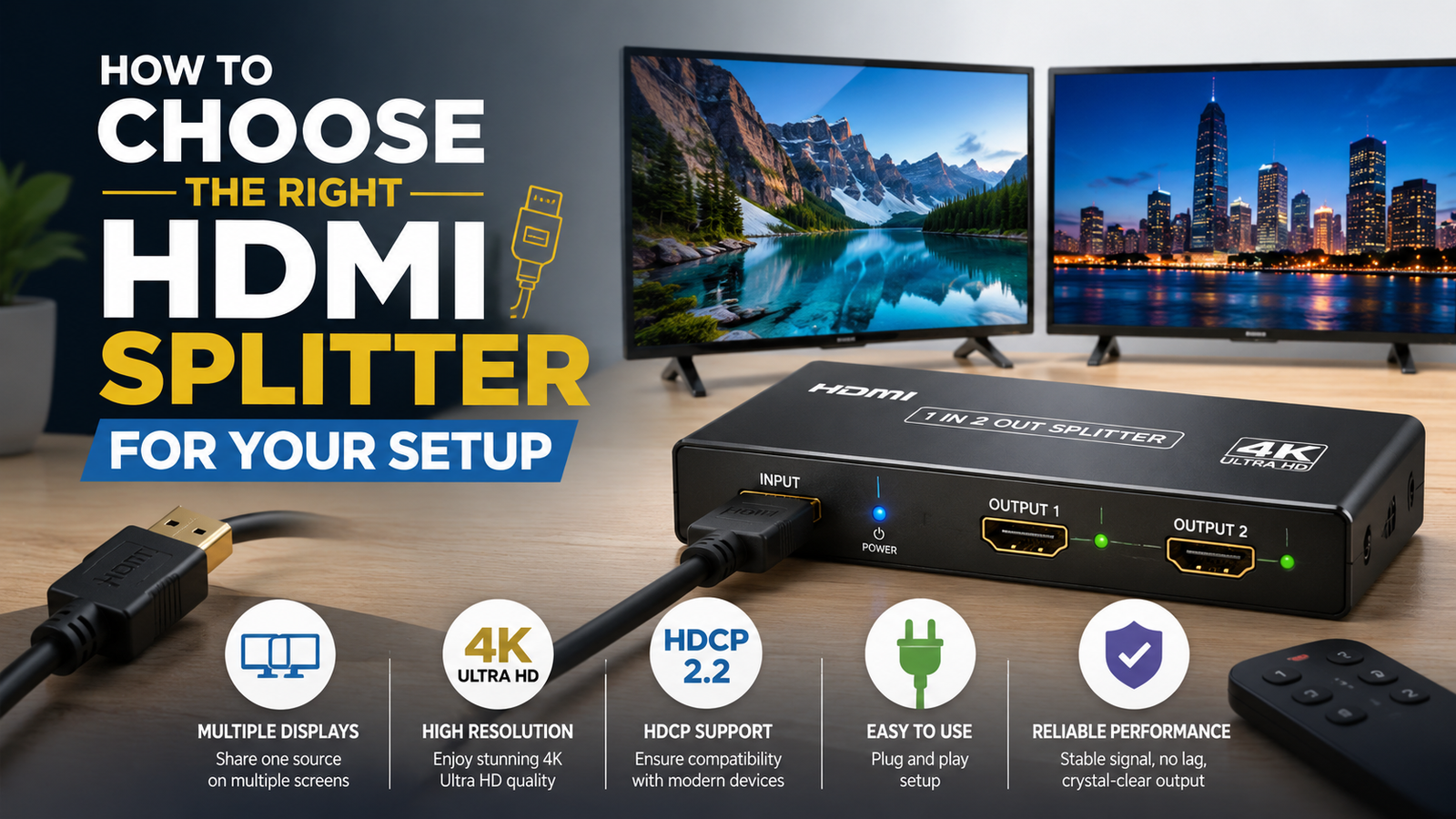
How to Choose the Right HDMI Splitter for Your Setup
Modern entertainment and workspaces often require multiple displays, gaming devices, streaming equipment, and media sources. Whether you want to show the same content on two TVs, create a professional presentation setup, or improve your home theater experience, choosing the right connection equipment is essential. This is where an HDMI splitter becomes a practical solution.
An HDMI splitter allows one HDMI source to send the same video and audio signal to multiple displays. However, not every splitter works for every setup. Factors such as resolution support, HDMI version, refresh rate, compatibility, audio formats, and intended use all influence whether a specific model will meet your needs.
Choosing the wrong HDMI splitter can lead to problems like no signal, reduced image quality, compatibility issues, or limited performance with newer devices. Understanding the important features before buying helps you select a reliable option that matches your TV, monitor, gaming console, computer, or professional equipment.
This guide explains how to choose the right HDMI splitter, what features matter most, common mistakes to avoid, and how to find a solution that fits your specific setup.
Key Takeaways
- An HDMI splitter sends one HDMI source signal to multiple displays simultaneously.
- Choose a splitter based on resolution, refresh rate, HDMI version, and device compatibility.
- Powered HDMI splitters usually provide better reliability for longer cable runs and advanced setups.
- A splitter is different from an HDMI switch because it distributes one signal instead of combining multiple inputs.
- Consider future needs like 4K, 8K, HDR, and gaming performance before purchasing.
How to Choose the Right HDMI Splitter for Your Setup
What Is an HDMI Splitter and How Does It Work?
An HDMI splitter is a device designed to duplicate a single HDMI signal and distribute it to two or more output devices. For example, you can connect a Blu-ray player, gaming console, laptop, or streaming device to the splitter’s input and send the same content to multiple TVs or monitors.
The basic setup looks like this:
HDMI source device → HDMI splitter → Multiple displays
Unlike an HDMI switch, which allows users to select between multiple input devices connected to one display, an HDMI splitter works in the opposite way. It takes one input and creates multiple outputs.
Common uses include:
- Displaying presentations on multiple screens.
- Running a home theater system with multiple displays.
- Showing the same security camera feed on different monitors.
- Creating gaming or streaming setups.
- Sharing content between TVs in different rooms.
Understanding this basic function is the first step in choosing the right HDMI splitter.
Determine How Many Outputs You Need
The first decision is the number of displays you want to connect. HDMI splitters come in different output configurations, including:
| HDMI Splitter Type | Best For |
|---|---|
| 1×2 HDMI Splitter | Two TVs, monitors, or projectors |
| 1×4 HDMI Splitter | Multi-display setups and businesses |
| 1×8 HDMI Splitter | Larger professional installations |
A 1×2 HDMI splitter is usually enough for home users who want to duplicate a signal on two screens. Businesses, classrooms, and event spaces may need models with four or more outputs.
Avoid buying a splitter with more outputs than necessary unless you expect your setup to expand in the future.
Check HDMI Version Compatibility
HDMI technology continues to improve, offering better resolutions, refresh rates, and advanced features. Your HDMI splitter should support the same HDMI standards as your devices.
Common HDMI versions include:
| HDMI Version | Typical Features |
|---|---|
| HDMI 1.4 | Supports Full HD and some 4K content |
| HDMI 2.0 | Supports 4K at higher refresh rates and HDR features |
| HDMI 2.1 | Designed for 8K, high refresh rates, and advanced gaming |
For basic TV viewing, an older HDMI splitter may work. However, users with modern gaming consoles, high-end monitors, or 4K televisions should choose a splitter that supports newer HDMI specifications.
A mismatch between devices can prevent you from getting the performance you expect.
Consider Resolution Support
Resolution is one of the most important factors when selecting an HDMI splitter.
Many users now require support for:
- 1080p Full HD
- 1440p
- 4K Ultra HD
- 8K resolution
If your source device outputs 4K video but your HDMI splitter only supports 1080p, the signal may be reduced to a lower resolution.
For a modern setup, look for an HDMI splitter that supports:
- 4K resolution at your required refresh rate.
- HDR compatibility if your TV supports it.
- HDCP support for protected content.
- Reliable signal transmission.
Choosing a higher-quality model can help ensure your setup remains useful as devices are upgraded.
Pay Attention to Refresh Rate Requirements
Resolution is not the only performance factor. Refresh rate also affects the viewing experience, especially for gaming and professional monitors.
Common refresh rates include:
- 60Hz for everyday viewing and office work.
- 120Hz or higher for gaming and smoother motion.
- Higher refresh rates for advanced gaming displays.
A gaming setup using a console or high-performance PC may require an HDMI splitter capable of maintaining both resolution and refresh rate without reducing performance.
Always check the splitter specifications carefully instead of focusing only on resolution.
Choose Between Powered and Non-Powered HDMI Splitters
HDMI splitters are available in powered and non-powered designs.
Non-Powered HDMI Splitters
These devices draw power from the HDMI connection itself.
Advantages:
- Simple installation.
- Compact design.
- Suitable for short cable distances.
Disadvantages:
- May struggle with longer cables.
- Can have compatibility issues with demanding setups.
Powered HDMI Splitters
Powered models use an external power adapter to strengthen the HDMI signal.
Advantages:
- Better reliability.
- Supports longer cable runs.
- Works better with multiple displays.
- More suitable for 4K and advanced setups.
For most modern home entertainment systems, a powered HDMI splitter is often the safer choice.
Understand HDCP Compatibility
HDCP (High-bandwidth Digital Content Protection) is a security technology used by many streaming platforms, Blu-ray players, and gaming devices.
If an HDMI splitter does not support the required HDCP version, you may experience:
- Black screens.
- No signal messages.
- Playback restrictions.
When connecting devices like streaming boxes, game consoles, or Blu-ray players, check that the HDMI splitter supports the necessary HDCP standard.
Consider Audio Compatibility
Video quality is important, but audio support matters too. Different devices may use different audio formats, and your HDMI splitter should support the audio features you need.
Consider compatibility with:
- Stereo audio.
- Dolby Digital.
- DTS formats.
- Dolby Atmos.
- Home theater receivers.
If your setup includes a soundbar or AV receiver, verify that the HDMI splitter can pass through your preferred audio format.
HDMI Splitter Cable Length Matters
Cable length can affect HDMI signal performance. Longer HDMI cables may experience signal loss, especially with higher resolutions.
For reliable performance:
- Use high-quality HDMI cables.
- Keep cable runs as short as practical.
- Use a powered HDMI splitter for longer distances.
- Choose equipment designed for your resolution requirements.
A good HDMI splitter cannot fully compensate for poor-quality cables or excessive cable length.
HDMI Splitter vs HDMI Switch: Understanding the Difference
Many buyers confuse HDMI splitters and HDMI switches because both use HDMI connections, but they solve different problems.
| Feature | HDMI Splitter | HDMI Switch |
|---|---|---|
| Main Function | Sends one signal to multiple displays | Connects multiple sources to one display |
| Inputs | Usually one | Multiple |
| Outputs | Multiple | Usually one |
| Example Use | One console on two TVs | Several devices on one TV |
Choose an HDMI splitter if you want the same content displayed on multiple screens. Choose an HDMI switch if you want multiple devices connected to one screen.
Common HDMI Splitter Mistakes to Avoid
Before purchasing, avoid these common mistakes:
Buying Based Only on Price
The cheapest option may not support the features your devices require. A low-cost model may lack proper 4K support, HDCP compatibility, or reliable signal handling.
Ignoring Future Upgrades
If you plan to upgrade your TV, monitor, or gaming equipment soon, choose a splitter that supports modern standards.
Assuming Every Splitter Supports 4K
Many HDMI splitters advertise compatibility but may only support specific 4K formats. Always check the exact specifications.
Using It to Extend Displays
An HDMI splitter duplicates the same image. It does not create an extended desktop across multiple monitors.
For separate content on different screens, you may need a different solution.
Best HDMI Splitter Features to Look For
A reliable HDMI splitter should ideally include:
- Support for your required HDMI version.
- Compatible resolution and refresh rates.
- HDCP support.
- HDR compatibility.
- Stable signal transmission.
- External power option.
- Quality construction.
- Good heat management.
The right features depend on how you plan to use the device.
Choosing an HDMI Splitter for Different Setups
Home Entertainment Setup
For a home theater, prioritize:
- 4K support.
- HDR compatibility.
- Reliable audio pass-through.
- Multiple display support if needed.
Gaming Setup
Gamers should focus on:
- High refresh rates.
- Low latency performance.
- HDMI 2.0 or HDMI 2.1 support.
- Compatibility with consoles and gaming monitors.
Office or Business Setup
Professional environments often need:
- Multiple outputs.
- Long-distance reliability.
- Easy installation.
- Consistent performance.
Frequently Asked Questions
What does an HDMI splitter do?
An HDMI splitter duplicates one HDMI source signal and sends it to multiple displays. It allows the same video and audio content to appear on multiple screens simultaneously.
Does an HDMI splitter reduce video quality?
A high-quality HDMI splitter should maintain the original signal quality if it supports the correct resolution, refresh rate, and HDMI standards. Poor-quality splitters may cause performance issues.
Can an HDMI splitter support 4K?
Yes, many modern HDMI splitters support 4K resolution. However, you should verify refresh rate, HDR support, and HDMI version compatibility before purchasing.
Can I use an HDMI splitter for dual monitors?
Yes, an HDMI splitter can display the same content on two monitors. However, it cannot create an extended desktop where each monitor shows different content.
Do HDMI splitters need power?
Some basic HDMI splitters work without external power, but powered models usually provide better stability, especially with multiple displays or longer cables.
What is the difference between an HDMI splitter and HDMI switch?
An HDMI splitter sends one HDMI source to multiple displays, while an HDMI switch allows multiple HDMI sources to connect to one display.
Will an HDMI splitter work with gaming consoles?
Yes, many HDMI splitters work with gaming consoles. For the best experience, choose one that supports your console’s resolution, refresh rate, and HDMI requirements.
Conclusion
Choosing the right HDMI splitter requires more than simply selecting a device with multiple ports. The best option depends on your display requirements, resolution needs, HDMI version, audio compatibility, and how you plan to use your setup.
For basic home use, a simple 1×2 HDMI splitter may be enough. However, advanced gaming systems, 4K entertainment setups, and professional installations often benefit from powered models with stronger compatibility and higher performance.
By checking important factors such as resolution support, refresh rates, HDCP compatibility, and cable requirements, you can avoid common problems and choose an HDMI splitter that delivers reliable performance.
A carefully selected HDMI splitter can make your entertainment, gaming, or professional workspace more flexible while ensuring your devices work smoothly together.















Leave a Reply