

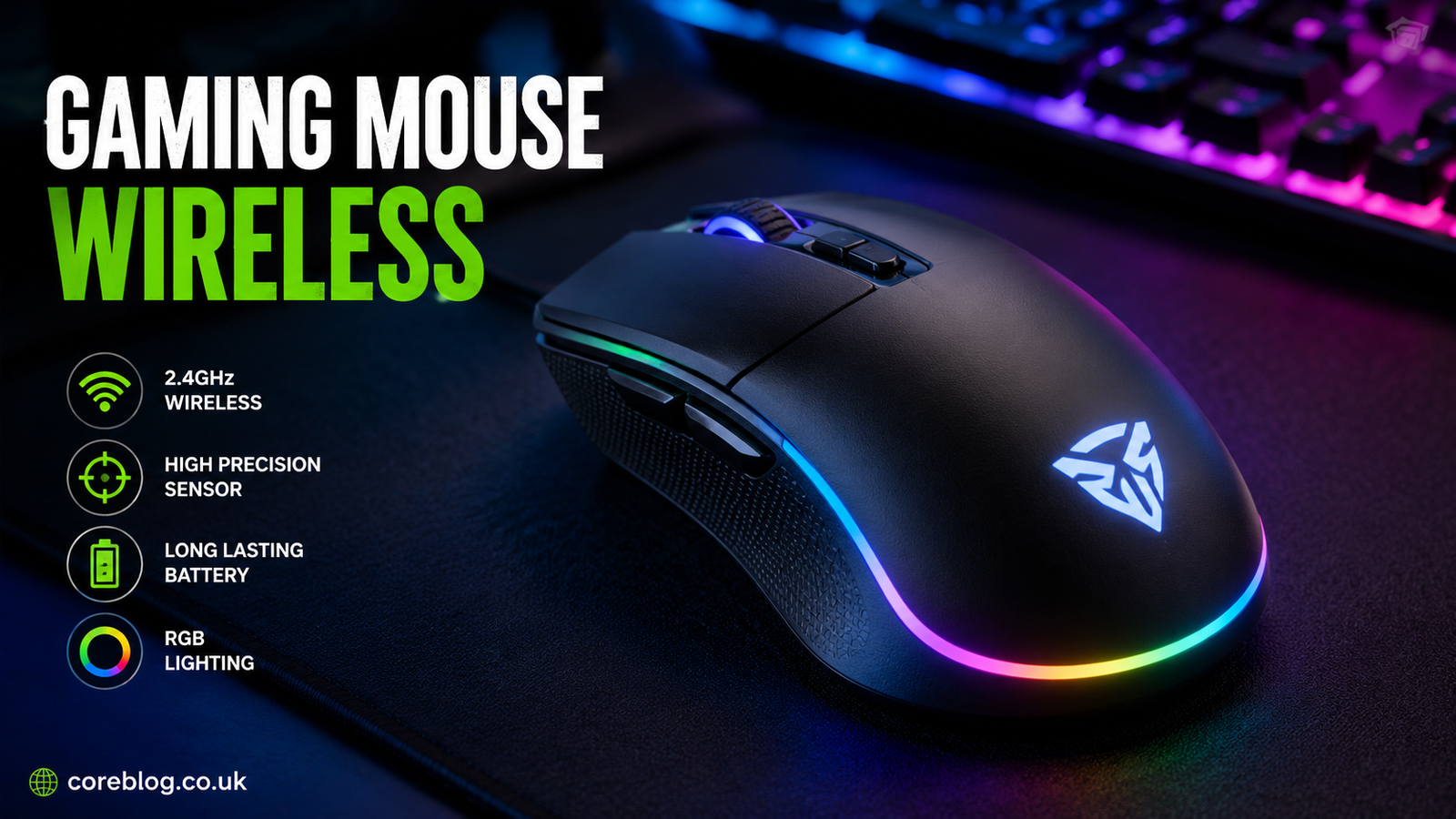
Best Gaming Mouse Wireless Models for Speed and Precision
A Gaming Mouse Wireless has evolved from being a convenient alternative to becoming the preferred choice for many casual and competitive gamers alike. Thanks to significant improvements in wireless technology, today’s gaming mice offer ultra-low latency, exceptional sensor accuracy, and battery life that can last for days or even weeks.
Whether you’re competing in fast-paced FPS games, exploring massive open worlds, or managing complex MMO skill rotations, choosing the right wireless gaming mouse can directly impact your comfort and performance. Features like lightweight construction, ergonomic design, customizable buttons, and high-precision optical sensors have made wireless gaming mice more capable than ever before.
This guide explains everything you need to know about selecting the best Gaming Mouse Wireless model, including the essential features to prioritize, the advantages over wired alternatives, and recommendations based on different gaming styles and budgets.
Key Takeaways
- Wireless gaming mice now deliver performance comparable to premium wired models.
- Sensor quality, weight, battery life, and ergonomics matter more than extremely high DPI numbers.
- Different game genres benefit from different mouse designs and button layouts.
- A quality wireless gaming mouse is a long-term investment that improves both gaming and everyday productivity.
- Choosing the right size and grip style is just as important as selecting premium hardware.
Main Article
Why Choose a Gaming Mouse Wireless?
Wireless gaming technology has improved dramatically over the last decade. Early wireless mice suffered from connection delays and unreliable tracking, but modern models have largely eliminated these concerns.
Today’s premium wireless gaming mice use advanced 2.4 GHz wireless connections with response times measured in milliseconds. Many professional esports players now compete using wireless equipment because it offers outstanding performance without cable drag.
The main benefits include:
- Greater freedom of movement
- Cleaner desk setup
- Less cable resistance
- Excellent portability
- Competitive-grade responsiveness
For many gamers, removing cable friction results in smoother aiming and more consistent mouse movements.
What Makes a Great Gaming Mouse Wireless?
Not every wireless gaming mouse performs equally. Several key features separate entry-level devices from premium models.
Sensor Performance
The sensor is the heart of every gaming mouse.
A high-quality optical sensor should provide:
- Accurate tracking
- No acceleration
- Minimal smoothing
- Low lift-off distance
- Excellent responsiveness
Modern flagship sensors typically offer flawless tracking across a wide range of DPI settings.
Wireless Technology
The best Gaming Mouse Wireless models use dedicated low-latency wireless protocols instead of relying solely on Bluetooth.
Look for:
- 2.4 GHz wireless receiver
- Stable signal
- Low click latency
- Reliable connection
- Automatic frequency management
Bluetooth is useful for office work but usually isn’t the first choice for competitive gaming.
Weight
Lightweight mice have become increasingly popular.
Approximate categories include:
| Weight | Best For |
|---|---|
| Under 60g | Competitive FPS |
| 60–80g | Balanced gaming |
| 80–100g | General gaming |
| Above 100g | MMO and productivity |
Lighter mice require less effort during long gaming sessions and help reduce wrist fatigue.
Battery Life
Battery technology has improved considerably.
Many wireless gaming mice now provide:
- 40–80 hours with RGB lighting enabled
- 100–300 hours without RGB
- Fast charging
- USB-C connectivity
- Optional wireless charging
Some premium models can provide several hours of gameplay after only a few minutes of charging.
Build Quality
A durable gaming mouse should include:
- High-quality switches
- Durable mouse feet
- Strong shell construction
- Reliable scroll wheel
- Quality side buttons
Premium materials often translate into a longer lifespan.
Gaming Mouse Wireless vs Wired
Many buyers still wonder whether wired gaming mice remain superior.
| Feature | Wireless | Wired |
|---|---|---|
| Cable Drag | None | Present |
| Latency | Extremely Low | Extremely Low |
| Portability | Excellent | Moderate |
| Battery | Required | Not Required |
| Charging | Occasionally | Never |
| Desk Appearance | Cleaner | More cables |
For most gamers, performance differences are now nearly impossible to notice during normal gameplay.
Choosing the Right Mouse for Your Grip Style
Comfort plays a major role in gaming performance.
Palm Grip
Palm grip users prefer larger ergonomic mice that fully support the hand.
Best features include:
- Larger body
- Comfortable curves
- Medium weight
Claw Grip
Claw grip players benefit from:
- Medium-sized mice
- Pronounced rear hump
- Lightweight design
Fingertip Grip
Fingertip users generally prefer:
- Small mouse
- Extremely lightweight construction
- Low profile
Trying different grip styles can dramatically improve long-term comfort.
Best Gaming Mouse Wireless Features That Matter
Marketing often focuses on extremely high DPI numbers, but other features usually have a greater impact.
Prioritize:
- Accurate optical sensor
- Lightweight body
- Comfortable shape
- Long battery life
- Reliable wireless connection
- High-quality switches
- Low click latency
- Smooth PTFE feet
- USB-C charging
- Customizable software
These factors influence daily performance far more than ultra-high sensitivity settings.
Gaming Mouse Wireless for Different Game Genres
Different games reward different mouse designs.
FPS Games
First-person shooters demand:
- Lightweight body
- Accurate sensor
- Low click latency
- Minimal button count
Examples include:
- Counter-Strike
- Valorant
- Apex Legends
- Call of Duty
MMO Games
Massively multiplayer games benefit from:
- Multiple programmable buttons
- Comfortable ergonomic shape
- Long battery life
Popular examples include:
- World of Warcraft
- Final Fantasy XIV
MOBA Games
MOBA players typically need:
- Fast clicks
- Reliable sensor
- Several side buttons
Games include:
- League of Legends
- Dota 2
Strategy Games
RTS gamers benefit from:
- Precise cursor movement
- Comfortable grip
- Responsive switches
Essential Buying Checklist
Before purchasing a Gaming Mouse Wireless, ask yourself:
- What games do I play most?
- What is my preferred grip style?
- Do I prefer lightweight or ergonomic designs?
- How important is battery life?
- Do I need programmable buttons?
- Is RGB lighting important?
- What is my budget?
Answering these questions helps narrow the available options.
Common Mistakes Buyers Make
Many gamers focus on specifications that have little practical impact.
Common mistakes include:
Buying Based Only on DPI
Extremely high DPI values sound impressive but rarely improve gameplay.
Most gamers perform well between 400 and 3200 DPI.
Ignoring Ergonomics
The most powerful sensor cannot compensate for an uncomfortable mouse.
Hand size and grip style should always influence your decision.
Choosing Too Many Buttons
Unless you primarily play MMOs or productivity-focused workflows, excessive buttons may complicate gameplay.
Forgetting Battery Preferences
Consider whether you prefer:
- Rechargeable battery
- Replaceable AA battery
- Wireless charging support
Each option has advantages depending on your usage.
Tips to Improve Wireless Gaming Performance
You can maximize your gaming experience by following a few best practices.
- Keep the wireless receiver close to the mouse.
- Update firmware when available.
- Charge before battery levels become critically low.
- Clean the sensor regularly.
- Use a quality mouse pad.
- Adjust DPI settings for your preferred games.
- Customize button assignments for efficiency.
These small adjustments often improve consistency more than hardware upgrades alone.
Are Premium Wireless Gaming Mice Worth the Price?
Higher-end models typically include:
- Better sensors
- Premium switches
- Lower weight
- Better battery life
- Improved software
- Superior build quality
For competitive gamers who spend many hours each week playing, investing in a premium Gaming Mouse Wireless often provides noticeable comfort and performance benefits.
Casual gamers, however, can still enjoy excellent performance from many mid-range models that offer a strong balance between price and features.
How to Maintain Your Wireless Gaming Mouse
Proper maintenance extends the life of your mouse.
Good habits include:
- Wipe the exterior regularly with a microfiber cloth.
- Remove dust from the sensor opening.
- Keep the mouse feet clean for smooth gliding.
- Store the USB receiver safely when traveling.
- Avoid exposing the mouse to excessive moisture or heat.
- Recharge the battery before long periods of storage.
Routine care helps preserve accuracy, responsiveness, and overall durability.
Frequently Asked Questions
Is a Gaming Mouse Wireless good for competitive gaming?
Yes. Modern wireless gaming mice provide extremely low latency and precise tracking, making them suitable for competitive and professional gaming.
How long does the battery usually last?
Battery life varies by model and usage but commonly ranges from 40 to over 200 hours depending on lighting, polling rate, and power-saving features.
Does wireless gaming cause input lag?
With modern low-latency wireless technology, input lag is virtually unnoticeable and is comparable to high-quality wired gaming mice.
What DPI should I use for gaming?
Most players use settings between 400 and 3200 DPI, depending on the game, monitor resolution, and personal preference.
Is Bluetooth suitable for gaming?
Bluetooth works well for everyday computing but generally has higher latency than dedicated 2.4 GHz wireless connections, making it less ideal for competitive gaming.
Are lightweight gaming mice better?
Lightweight mice can improve speed, reduce fatigue, and make quick movements easier, especially in fast-paced games. However, comfort and personal preference remain the most important factors.
How often should I replace a gaming mouse?
A high-quality wireless gaming mouse can last several years with proper care. Replacement is usually necessary only when switches wear out, battery performance declines significantly, or newer features better suit your needs.
Conclusion
Choosing the right Gaming Mouse Wireless is about more than simply picking the model with the highest DPI or the flashiest design. The best wireless gaming mouse combines an accurate sensor, dependable low-latency connectivity, comfortable ergonomics, long battery life, and durable construction to match your gaming style and preferences.
Whether you’re a competitive esports player seeking maximum speed, an MMO enthusiast needing programmable controls, or a casual gamer looking for all-day comfort, there is a wireless gaming mouse designed for your needs. By focusing on the features that truly affect performance and comfort, you’ll make a smarter investment and enjoy a smoother, more responsive gaming experience for years to come.















Leave a Reply